Paste a link from YouTube, Instagram, TikTok, X or Facebook and download instantly.
Supported Platforms
Video Downloader: The Easiest Way to Download Free Videos Online (2026)
Video downloading is one of the most needed processes in today's digital world. You may want to save educational videos from YouTube, inspiring Reels from Instagram, fun short videos from TikTok, or trending clips from Twitter to your device. However, most platforms do not allow direct downloading of videos. This is exactly where Downloaders.net comes in. Thanks to our free, fast, and secure infrastructure, you can download the video you want from dozens of platforms to your device in seconds. In this comprehensive guide, you will find all the details of the video downloading process, supported platforms, format options, security tips, and the latest trends of 2026.
What is Video Downloading and Why Do We Need It?
Video downloading is the process of permanently saving video content published on the internet to your device (computer, phone, tablet). While videos you watch via streaming are only accessible as long as you have an internet connection, downloaded videos can also be watched offline. This provides a great advantage, especially in cases with limited internet access.
Today, video content consumption is increasing exponentially every year. According to 2026 data, the average daily video watching time of internet users has exceeded 120 minutes. You need video downloading tools to add videos from this huge content pool to your personal archive, protect educational materials, or be able to watch your favorite content at any time.
Advantages of Offline Viewing
Offline video viewing offers freedom in your digital life. You can watch your videos without paying high roaming fees on long plane journeys, in the metro, in rural areas where the internet connection is weak, or during travels abroad. Also, even if your internet speed is low, the videos you have previously downloaded will play without interruption and in high quality. For educational videos, offline access also makes the process of watching and taking notes repeatedly much easier.
In Which Cases is it Necessary to Download Videos?
- On travels where there is no internet access, such as plane, train, or long road trips
- When you want to re-watch educational and course videos
- When you want to protect your mobile data quota
- When you want to archive the videos of your favorite content creators
- When preparing video material for presentations and meetings
- To watch without interruption in environments where the internet speed is low
- When you want to save reference videos as a content creator

Supported Platforms
Downloaders.net supports all of the most popular video sharing platforms on the internet. Each platform has its own unique video formats, resolution options, and content types. Our tool automatically detects all these differences and offers you the most suitable download options. The process of downloading videos from social media platforms usually takes a few seconds and does not require any technical knowledge.
YouTube Video Downloader
YouTube, as the world's largest video platform, hosts billions of videos. It offers a wide range of content from educational content to music clips, from documentaries to podcasts. With our YouTube video downloader tool, you can download videos in any quality you want from 360p to 4K, and you can also save only the audio file in MP3 format. YouTube Shorts content is also supported.
Instagram Video Downloader
Instagram is a popular social media platform that offers rich video content with Reels, Stories, and IGTV. Thanks to our Instagram video downloader feature, you can easily save the Reels videos, story shares, and profile videos you like to your device. Since Instagram does not offer a download option in its own application, Downloaders.net meets a critical need in this area.
TikTok Video Downloader
TikTok, as the pioneer of the short video format, hosts millions of creative contents. We offer watermarked or watermark-free video download options with our TikTok video downloader tool. Trending dances, funny sketches, educational content, or food recipes — it is now very easy to save all kinds of videos on TikTok.
Twitter (X) Video Downloader
Videos shared on the Twitter (X) platform usually cover trending topics, news clips, and viral content. With our Twitter video downloader feature, you can download videos embedded in tweets with different quality options. Shares in GIF format can also be downloaded as MP4.
Facebook Video Downloader
Facebook has a huge video archive both with personal shares and page and group contents. With our Facebook video downloader tool, you can download various contents from public videos to live stream recordings in SD or HD quality. Facebook Watch and Reels content are also fully supported.





How to Download Videos? Step-by-Step Guide
Downloading videos with Downloaders.net is an extremely simple process. You do not need to install any software, create an account, or share your personal information. The entire process takes place through your browser and usually takes less than 30 seconds. You can download any video instantly by following the four simple steps below.
Step 1
Copy the video link
Step 2
Paste the link
Step 3
Choose format and quality
Step 4
Download and save
Step 1 — Copy the Video Link
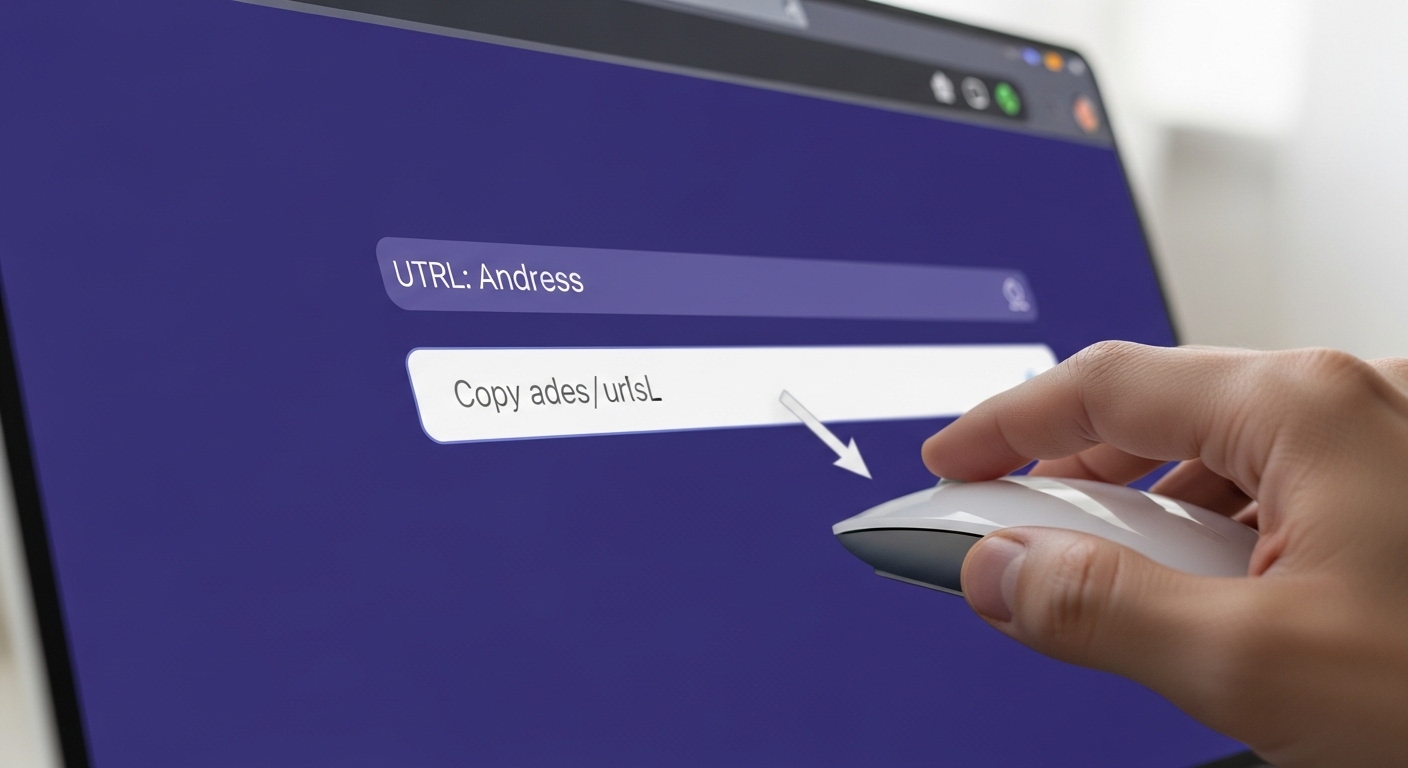
Open the video you want to download on the relevant platform (YouTube, Instagram, TikTok, etc.). Select and copy the URL in your browser's address bar. On mobile devices, you can use the "Copy Link" option from the share menu of the video.
Step 2 — Paste the Link
Paste the video link you copied into the input field on the Downloaders.net home page. The system automatically recognizes the URL you pasted and activates the download module of the relevant platform.
Step 3 — Choose Format and Quality
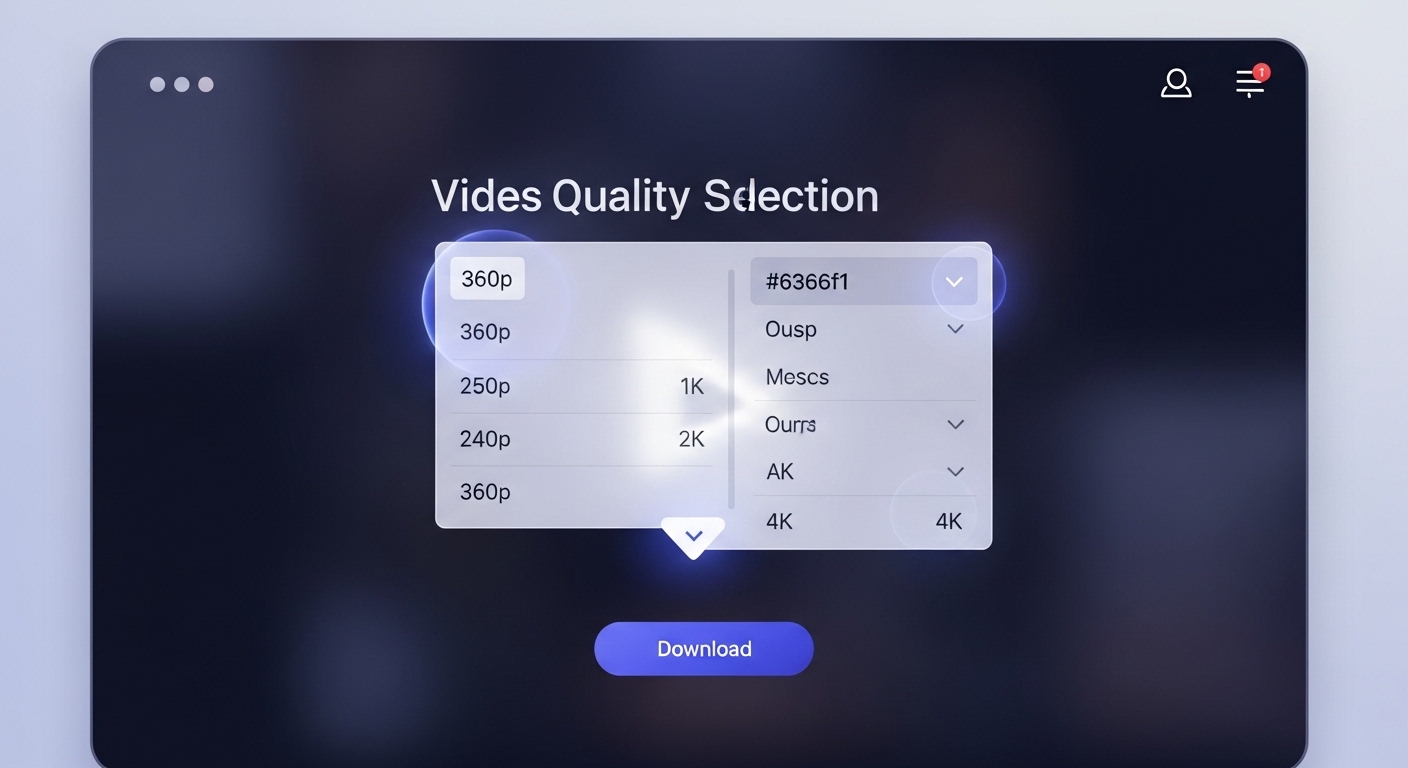
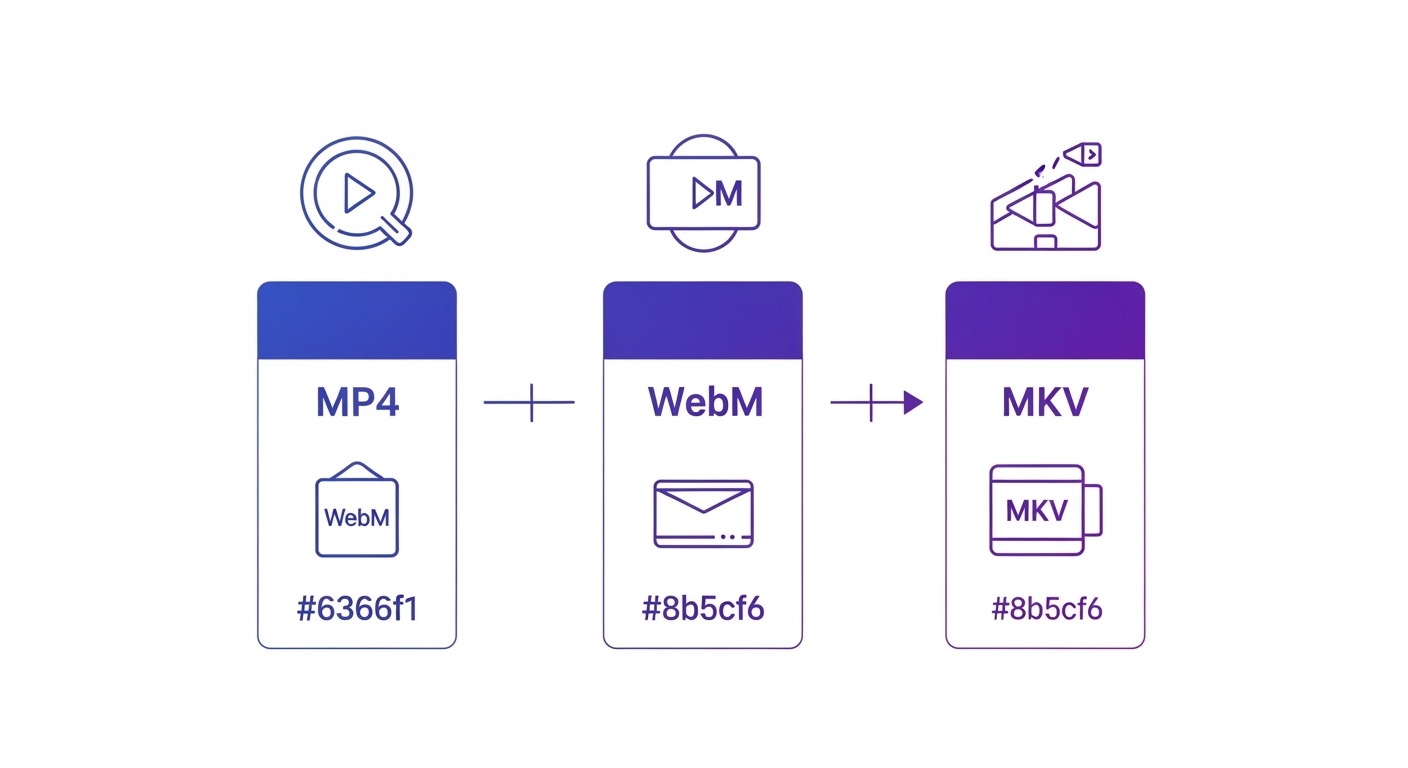
After the system analyzes the video, it shows you the available format and quality options. You can choose MP4, WebM, or MKV as the video format.
Step 4 — Download and Save
After choosing the format and quality you want, click the "Download" button. The download process starts automatically and the file is saved to your device's downloads folder.
Video Formats and Quality Options
| Feature | MP4 | WebM | MKV |
|---|---|---|---|
| File Size | Medium | Small | Large |
| Device Compatibility | Excellent | Good | Limited |
| Quality | Very Good | Very Good | Best |
| Resolution | Pixel | Estimated Size | Recommended Device |
|---|---|---|---|
| 720p (HD) | 1280×720 | ~10 MB | Mobile, tablet |
| 1080p (Full HD) | 1920×1080 | ~18 MB | Laptop, monitor |
| 2160p (4K) | 3840×2160 | ~55 MB | 4K TV |
The Video Downloading Solution of the Future
Downloaders.net sets the video downloading standards of 2026 with its most modern infrastructure. We offer the best experience at every stage from security to speed, from quality to ease of use.
Safe Video Downloading Guide
Security should always be the priority when downloading videos from the internet. Malware, fake download buttons, and data-collecting websites can pose serious risks. At Downloaders.net, we hold user security at the highest level; however, there are points you should be careful about during general internet use. In this section, we discuss the basic tips and legal framework for safe video downloading.
Security Tips
- Use only trusted and well-known video download tools
- Avoid clicking on fake "Download" buttons and misleading ads
- Beware of sites that ask you to install additional software during download
- Take your browser's security warnings seriously
- Check the extensions of downloaded files (should be .mp4, not .exe)
- Use up-to-date antivirus software
- Avoid downloading from sites without an HTTPS connection

Frequently Asked Questions (FAQ)
Yes, our service is 100% free to use. There are no hidden costs, premium subscriptions, or limits on the number of videos you can download. We aim to provide the best free video downloading experience on the web.
No installation is required. Downloaders.net is a fully web-based tool. You can download videos directly from your browser (Chrome, Safari, Firefox, etc.) on any device, including PC, Mac, Android, and iOS.
We support over 50 major platforms, including YouTube, Instagram, TikTok, Twitter (X), Facebook, and many others. Whether it's a 4K YouTube video or a TikTok Reel, our tool can handle it.
The maximum quality depends on the original source video. For many YouTube videos, we support up to 4K (2160p) resolution. For Instagram and TikTok, the highest quality is usually 1080p Full HD.
Downloading videos for personal and offline use is generally permitted in most jurisdictions. However, redistributing, selling, or using the content for commercial purposes without the owner's permission is a violation of copyright laws.
Simply open our website in your mobile browser, paste the video URL, and tap download. On Android, files are saved to your Downloads folder. On iPhone, use Safari, and your videos will be available in the 'Files' app.
Yes! Our TikTok downloader specifically offers an option to save videos without the watermark, giving you a clean version of the content for your personal archive.
Absolutely. Any video link you paste can be converted to a high-quality MP3 file. This is perfect for saving music, podcasts, or lectures where only the audio is needed.
Download speed can be affected by your internet connection, the file size (4K videos are much larger), and the current traffic on the source platform's servers. We recommend using a stable Wi-Fi connection for the best results.
Yes, security is our top priority. We use SSL encryption to ensure a safe connection. We do not collect any personal information, and we never store your downloaded files on our servers.
Conclusion
Video downloading is now easier than ever. Save your favorite videos in seconds with Downloaders.net and enjoy the internet offline.