Download TikTok videos without watermark. Fast and free.
Supported Platforms
TikTok Video Downloader: With or Without Watermark Downloader (2026)
TikTok is one of the most popular social media platforms in the world with billions of users. Short, fun and creative videos have become an indispensable part of our daily lives. However, you may experience problems when you want to save your favorite videos from the TikTok app permanently, watch them offline or share them on other platforms. This is exactly where TikTok video downloader tools come into play.
In this comprehensive guide, you will learn step-by-step how to download TikTok videos without watermark, how to convert them into MP3 audio files, how to save slide (photo) contents and the process of downloading TikTok videos on mobile devices. Let's discover the most up-to-date methods and tips of 2026.
What is TikTok Video Downloader?
TikTok video downloading is the process of permanently saving videos published on the TikTok platform to your device (phone, tablet, computer). Although the TikTok app offers a direct video download feature, this feature has some important limitations. First of all, videos downloaded from the app come with the TikTok logo (watermark) and the content creator may have disabled downloading.
For this reason, users prefer third-party TikTok video downloader tools. These tools allow you to download videos without watermark, in high quality and fast. You can also download not only videos, but also MP3 audio files and slide shows (photo collections).
Advantages of Downloading Videos from TikTok
There are many advantages to downloading TikTok videos, and the reasons why users turn to these tools are as follows:
- Offline Viewing: You can watch videos anytime without an internet connection. Ideal when traveling, on a plane or in places where internet access is limited.
- Permanent Archiving: You can keep the content you like permanently. Even if the content creator deletes the video, it remains saved with you.
- Content Creation: You can use downloaded videos as source material for video editing projects (in compliance with copyrights).
- Ease of Sharing: You can easily share videos on other platforms such as WhatsApp, Instagram or Facebook.
- Education and Research: You can use it as educational content, instructional videos or research material.
- Data Savings: You can download it once and save mobile data instead of watching the same video over and over again.
The Watermark Problem
When you use TikTok's built-in download feature, the TikTok logo and the content creator's username appear in the lower right corner of the videos. This watermark is an undesirable feature for many users because:
- It doesn't look professional when sharing the video on other platforms
- It creates aesthetic problems in video editing projects
- It contains unnecessary information for personal archiving
- It occupies screen space and is distracting
Watermark-free TikTok video downloader tools offer clean, professional-looking videos by automatically removing this logo. These tools analyze TikTok's video stream and find the original, watermark-free version and save it to your device.
How to Download TikTok Videos?
Downloading TikTok videos is extremely simple and requires no technical knowledge. You can save your videos in minutes by following the 4-step process below:
Copy URL
Copy the link of the TikTok video
Paste URL
Paste the URL into the downloader tool
Select Quality
Select HD, SD or MP3 option
Download
Save the video to your device
Step 1: Copying TikTok Video URL
The first step is to copy the URL (link) of the TikTok video you want to download:
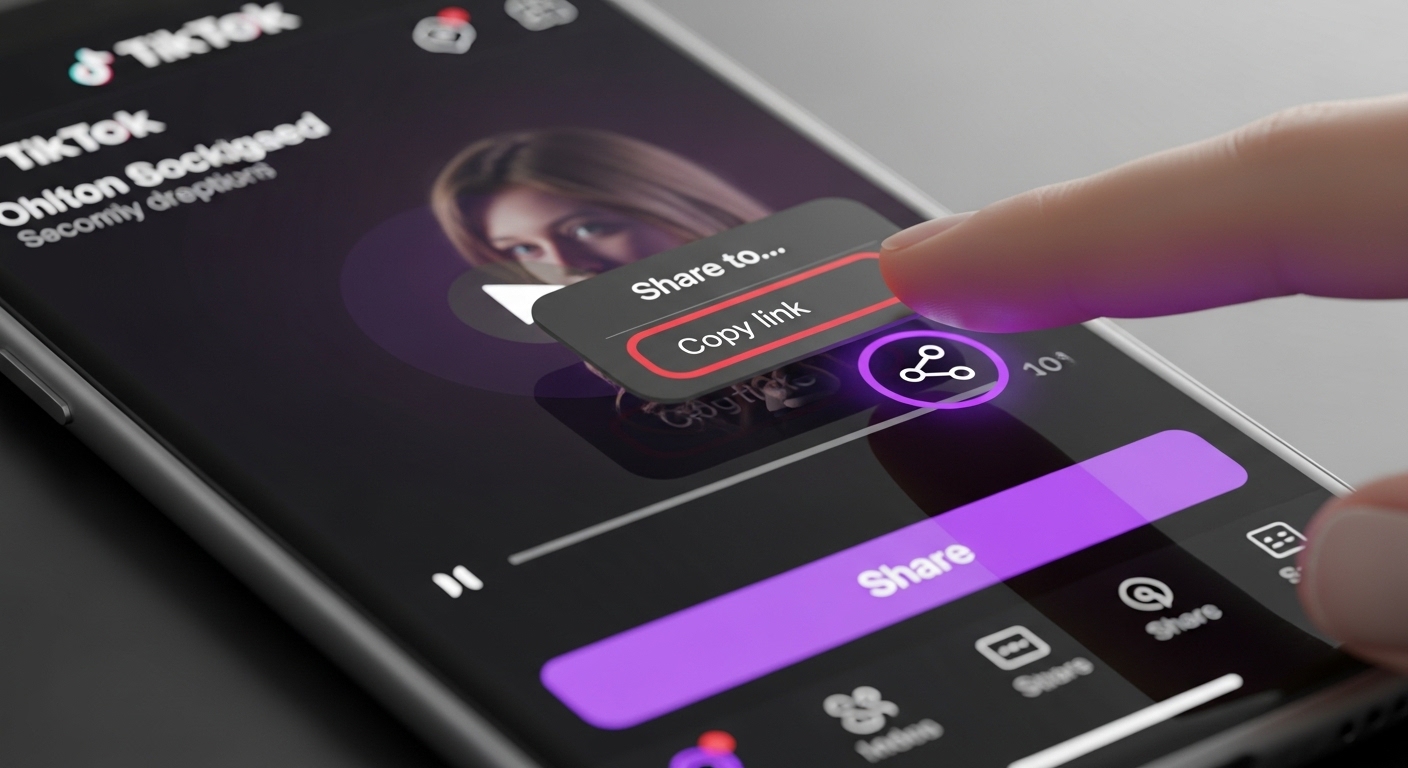
- Mobile App: Open the video in the TikTok app, tap the share icon (arrow sign) on the right side and select the "Copy Link" option from the menu that opens.
- Web Browser: Open the video on the TikTok website (tiktok.com), select and copy the URL in the address bar of the browser or click the share button and use the "Copy Link" option.
Step 2: Pasting URL into Downloader Tool
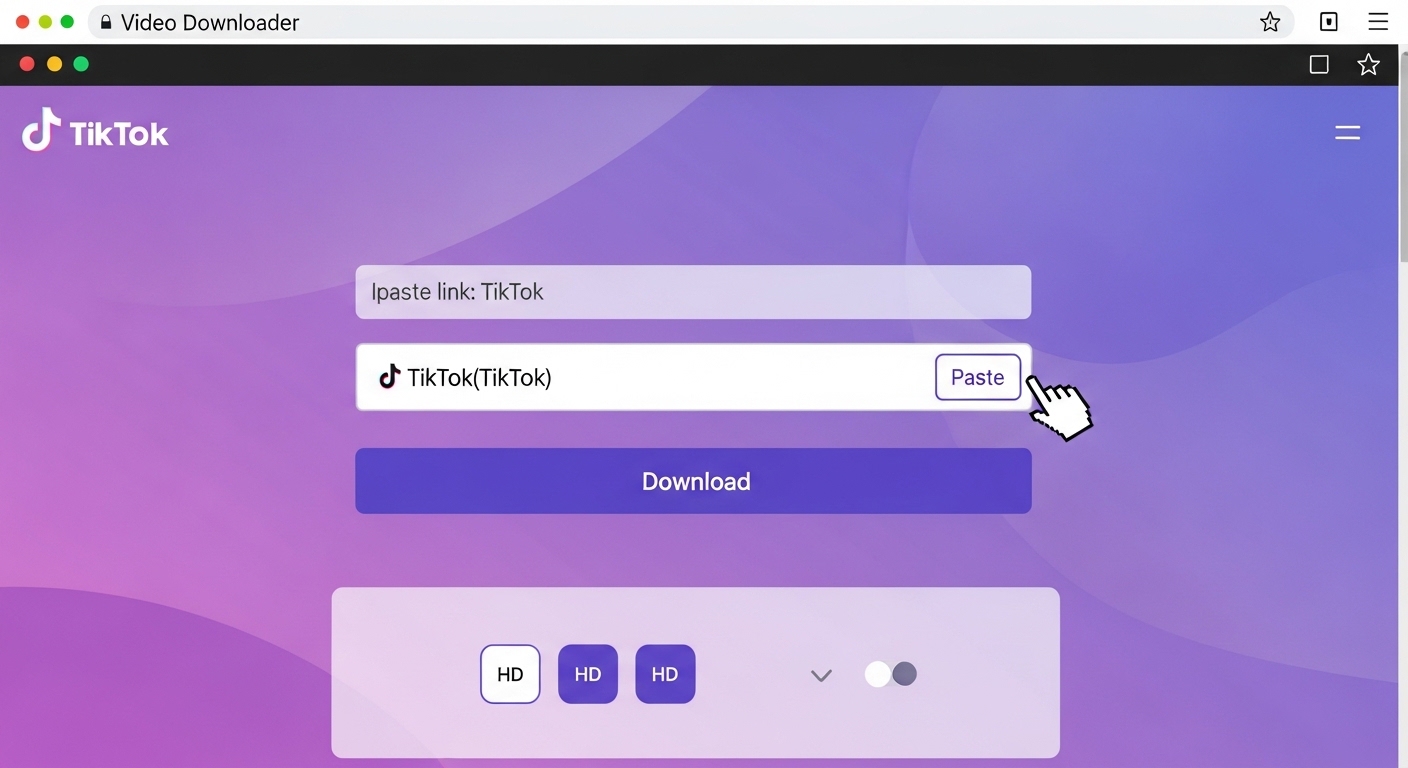
Paste the URL you copied into a reliable TikTok video downloader tool. Open the downloader website in your browser, paste the URL into the input box on the home page (Ctrl+V or right click and Paste). The tool will automatically recognize the URL and start processing it.
Step 3: Quality and Format Selection
The downloader tool usually offers you several download options:
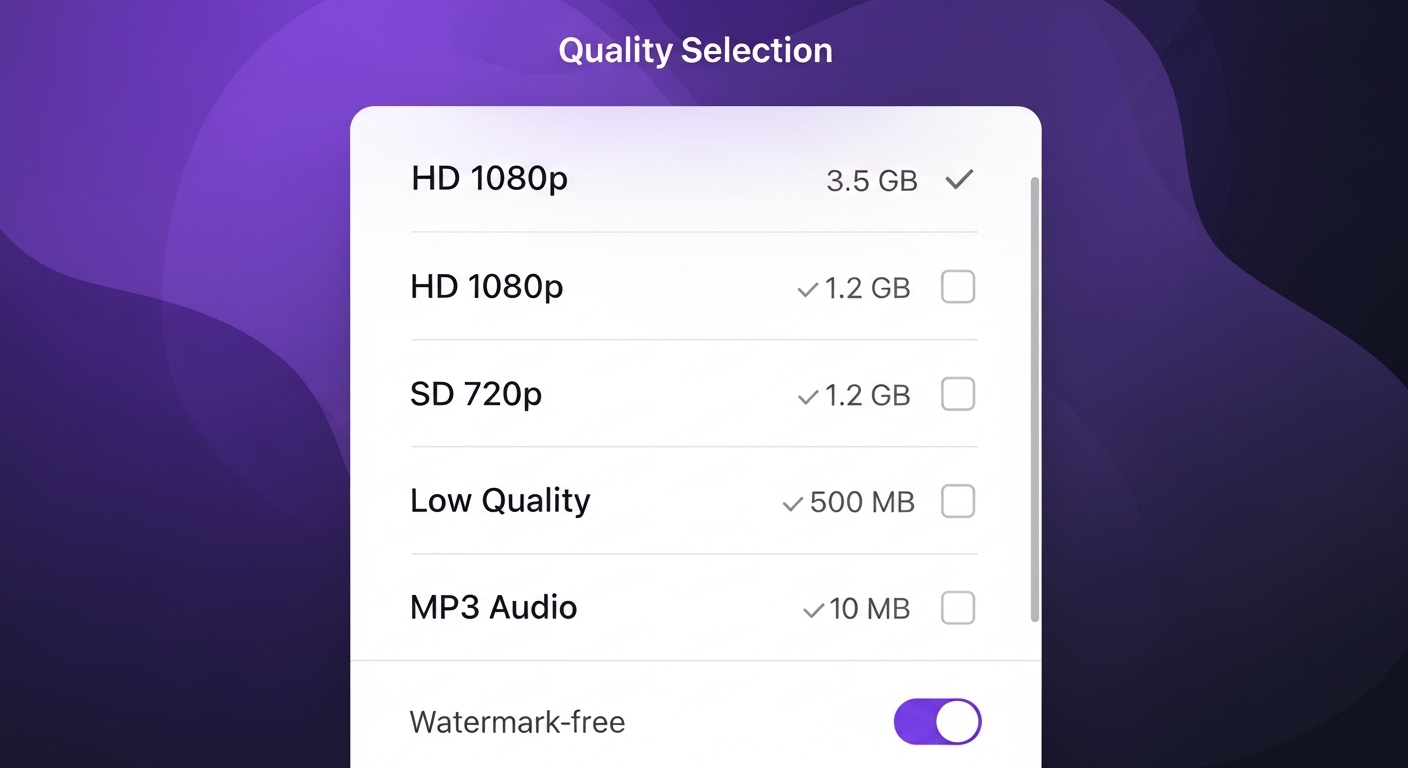
- HD (1080p): Highest quality, best image clarity, but larger file size (approx. 10-50 MB)
- SD (720p): Medium quality, balanced file size, sufficient for most uses (approx. 5-20 MB)
- Low Quality (480p or lower): Smallest file size, fast download, but low image quality
- MP3 (Audio): Audio file only, music or speech recording without video (approx. 2-5 MB)
- No Watermark/With Watermark: Some tools offer both options, choose the no watermark one
Choose the format according to your needs. For example, you can choose HD watermark-free for sharing on social media, SD for personal archive, and MP3 for music.
Step 4: Downloading the Video
Click the "Download" button. The download process will start and the video will be saved to your device. On mobile devices, the video is usually saved in the "Downloads" folder or gallery, and on computers in the "Downloads" folder.
Removing TikTok Watermark
The TikTok watermark refers to the TikTok logo and username appearing on videos. Downloading videos without watermark makes the content look clean and professional. In 2026, modern TikTok video downloaders use advanced algorithms to automatically remove the watermark.
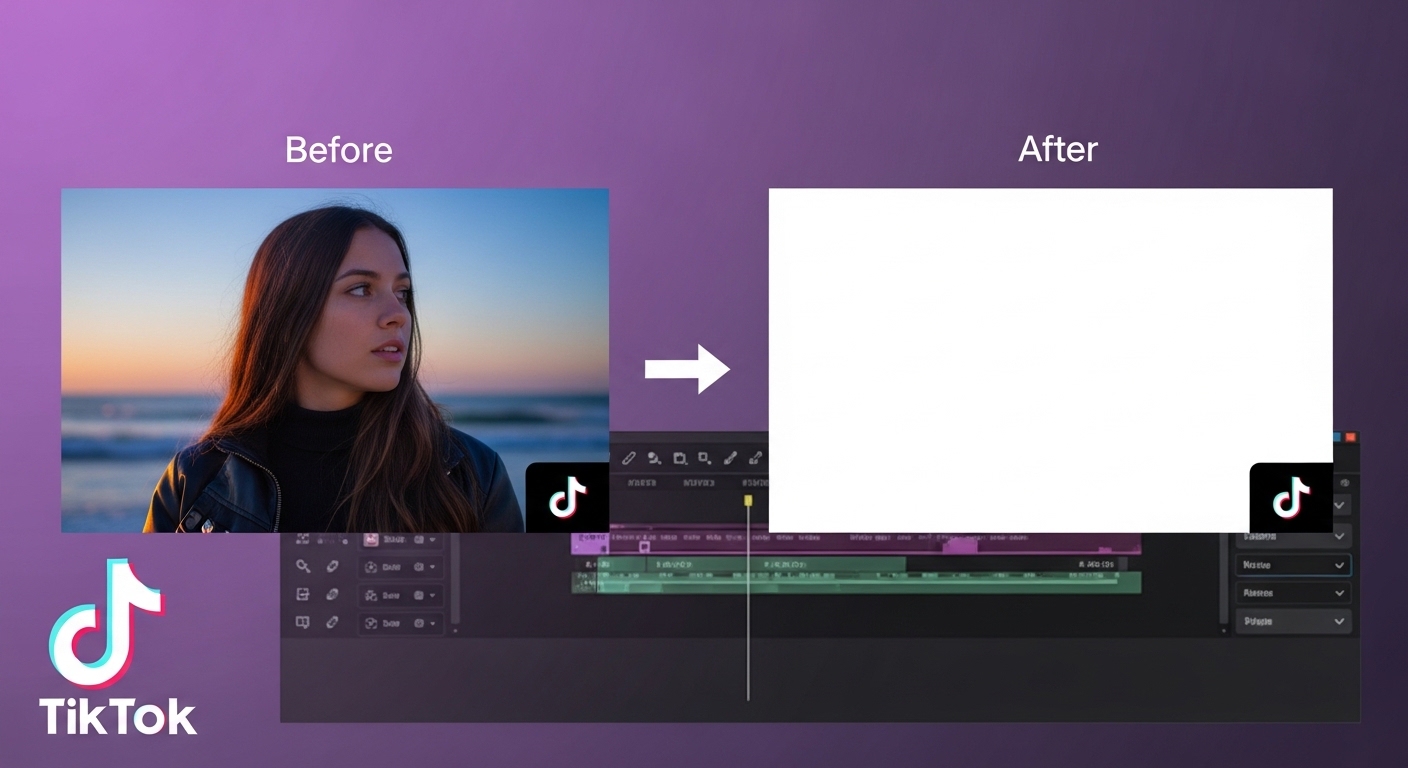
Watermark vs No Watermark Download
It is important to understand the differences between the two download methods:
| Feature | With Watermark Download | No Watermark Download |
|---|---|---|
| TikTok Logo | Present (bottom right corner) | None (completely clean) |
| Username | Visible in video | Removed |
| Video Quality | Original quality | Original quality (no quality loss) |
| File Size | Standard | Similar (slight difference possible) |
| Download Speed | Fast | Fast (processing time similar) |
| Area of Use | Personal archive, viewing | Sharing, editing, professional use |
TikTok Audio Download (MP3)
TikTok videos often contain popular music, trending sounds or original voice recordings. If you want to download only the audio itself (without the image), the TikTok MP3 download feature is ideal. This is especially useful for music discovery, podcast clips or educational content.
Steps to Download MP3 from TikTok
- Copy Video URL: Copy the TikTok video link as described in previous sections.
- Paste into Downloader Tool: Paste the URL into a TikTok downloader tool with MP3 conversion feature.
- Select "Download MP3": Check the MP3 (audio) option instead of MP4 (video) in format selection.
- Download: Click the "Download" button and the audio file will be saved to your device.
MP3 files are much smaller than video files (usually between 2-5 MB) and take up less storage space. You can use them in your music player, podcast apps or as background music.
TikTok Slide (Photo) Download
TikTok contains not only videos, but also slide shows (presentation of multiple photos with background music). Downloading such content requires a slightly different process because slides are actually photo collections, not videos.
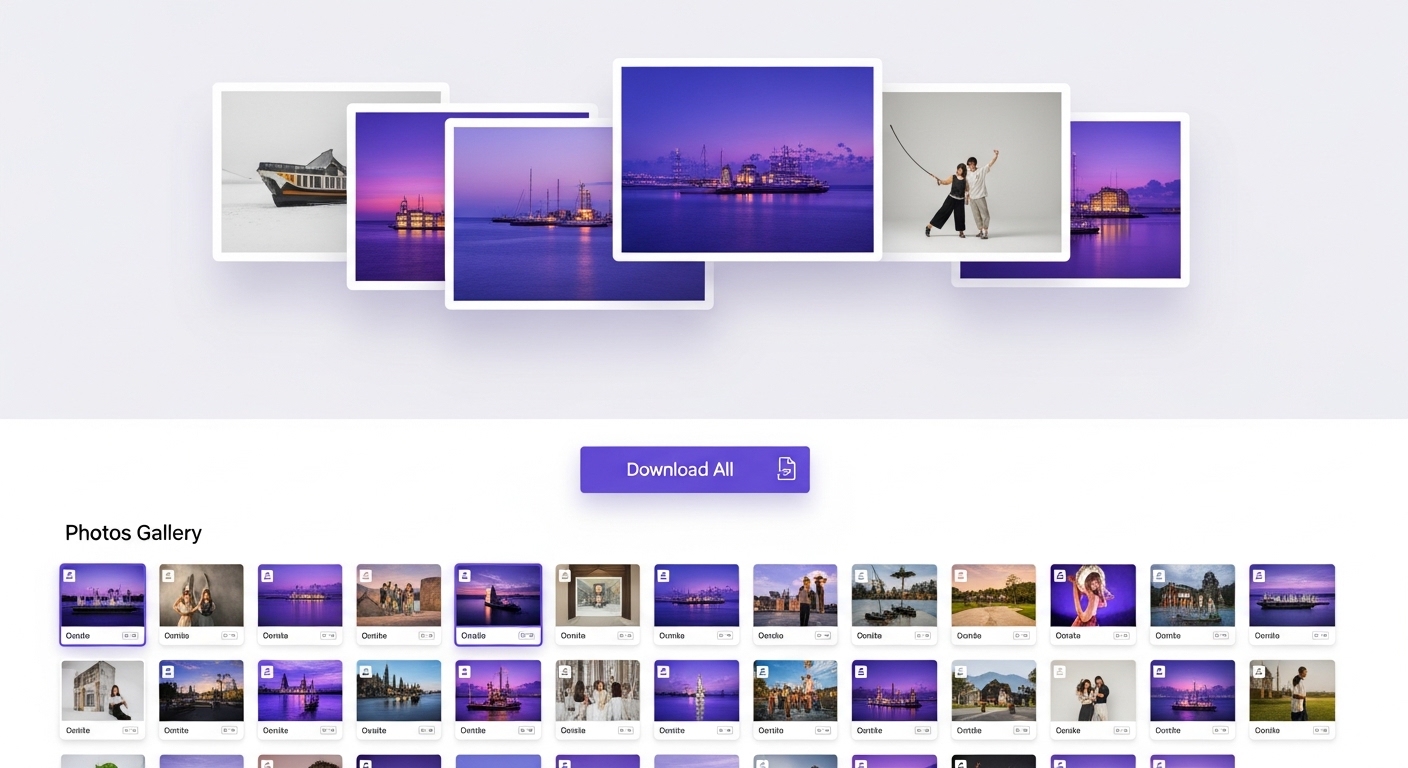
Slide Download Methods
You need to use special tools to download TikTok slides:
- Download Photos Individually: Some tools download each photo in the slide as a separate file. This is ideal for editing or using photos individually.
- Download as ZIP File: All photos are packaged in a single ZIP archive, which you can open and use on your computer.
- Convert as Video: Advanced tools convert the slide into video format (MP4) along with its original music. This is useful for watching or sharing the slide as a video.
TikTok Video Formats and Quality
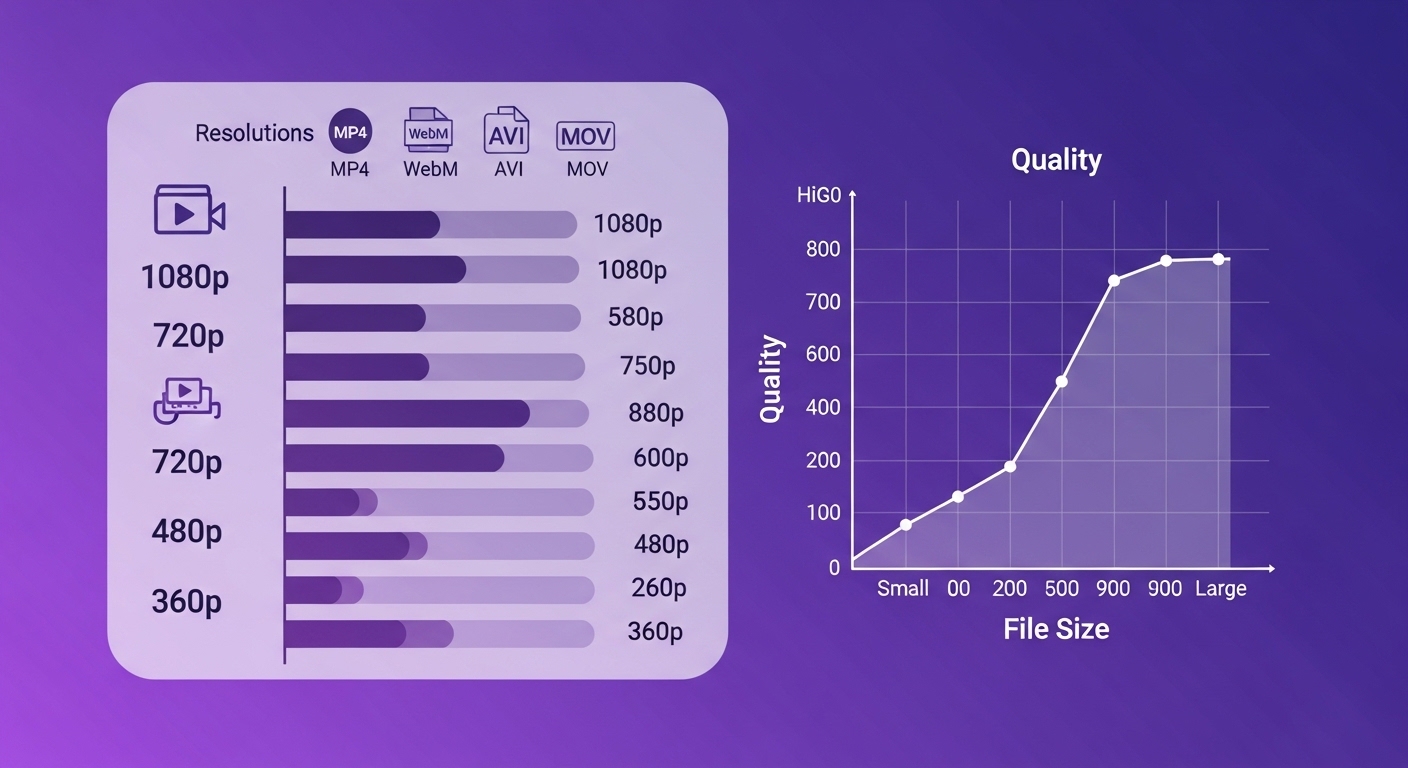
TikTok videos are offered in various formats and qualities for different devices and usage scenarios. Choosing the right format and quality directly affects your download time, storage space and viewing experience.
Supported Video Formats
| Format | Description | Compatibility | Recommended Use |
|---|---|---|---|
| MP4 | Standard video format | All devices (Android, iOS, Windows, Mac) | General use, most common option |
| WebM | Web-optimized format | Modern browsers, Android | Web sharing, smaller size |
| AVI | Older format, high quality | Windows, some media players | Video editing, archiving |
| MOV | Apple default format | Mac, iOS, Apple devices | Apple ecosystem users |
TikTok Video Downloading on Mobile Devices
Downloading TikTok videos on mobile devices (Android phone, iPhone, tablet) requires some different steps than using a computer. In 2026, mobile-compatible downloader tools are quite advanced and offer a seamless experience.
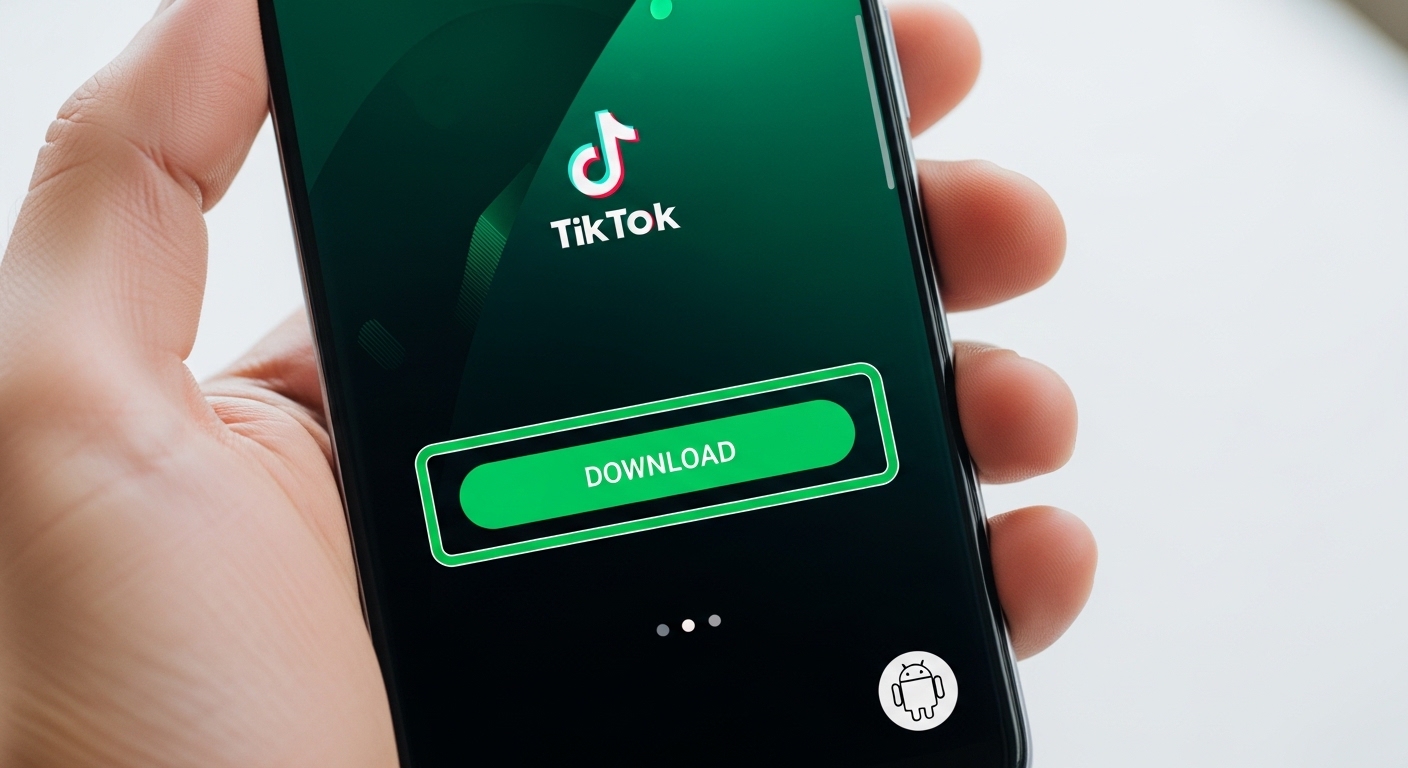
Android Devices
Download using Chrome, Firefox or Samsung Internet browsers. Downloaded videos are located in the "Downloads" folder.
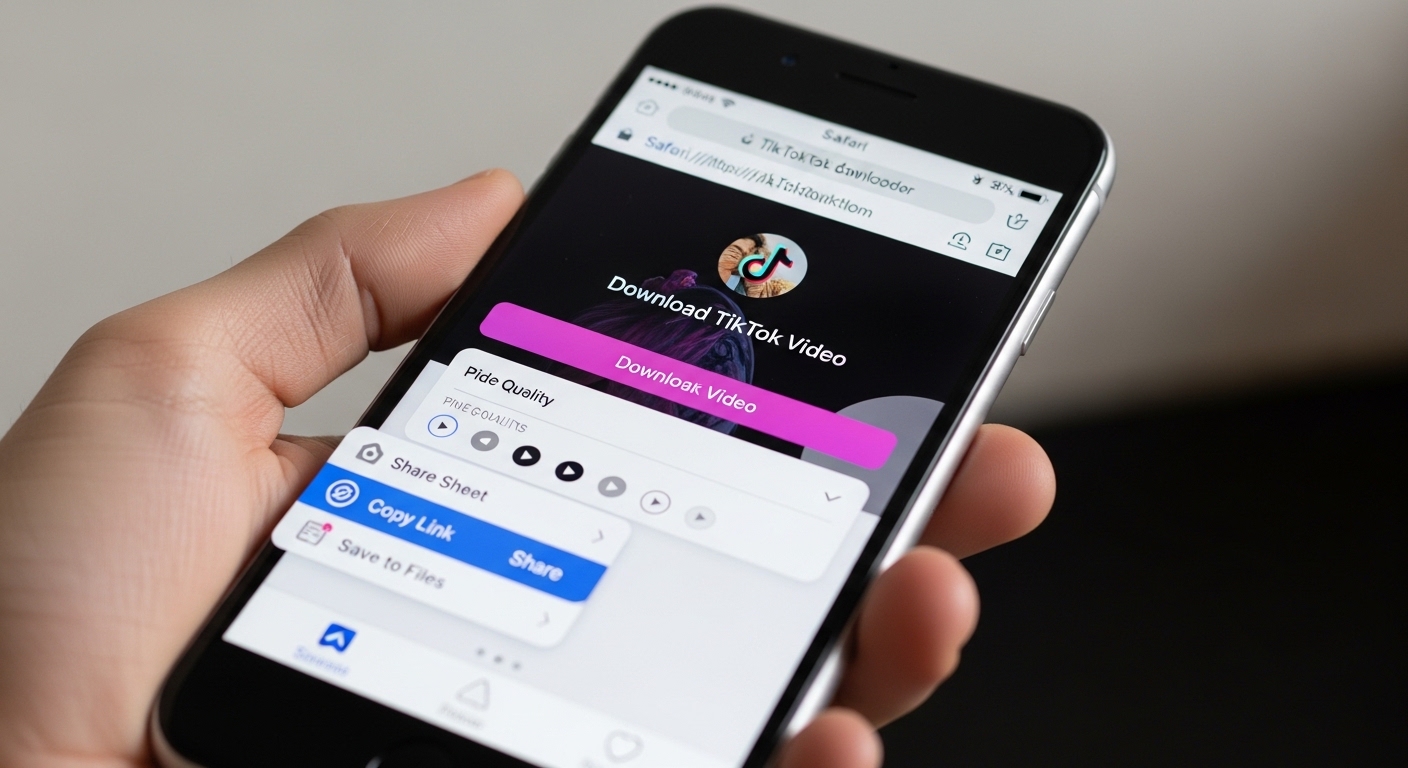
iPhone / iPad (iOS)
Use Safari or Chrome. Downloaded videos appear in the "Files" app or "Photos" app (depending on saving option).
Tablet Devices
Follow the steps above according to Android or iOS tablet operating system. Take advantage of the larger screen.

TikTok Video Downloading Tips
Follow the expert tips below to optimize your TikTok video downloading experience:

Speed and Efficiency Tips
- Batch Download: If you are downloading multiple videos, collect the URLs in a text file and download them sequentially. Some advanced tools offer a batch download feature.
- Quality-Speed Balance: Choose low quality in urgent cases (downloads faster), prefer high quality for archiving.
- Night Downloading: Download large files during the night when internet traffic is low. It will be faster.
- Browser Cache: Clear your browser cache regularly. Old data can slow down the download process.
Security and Copyright
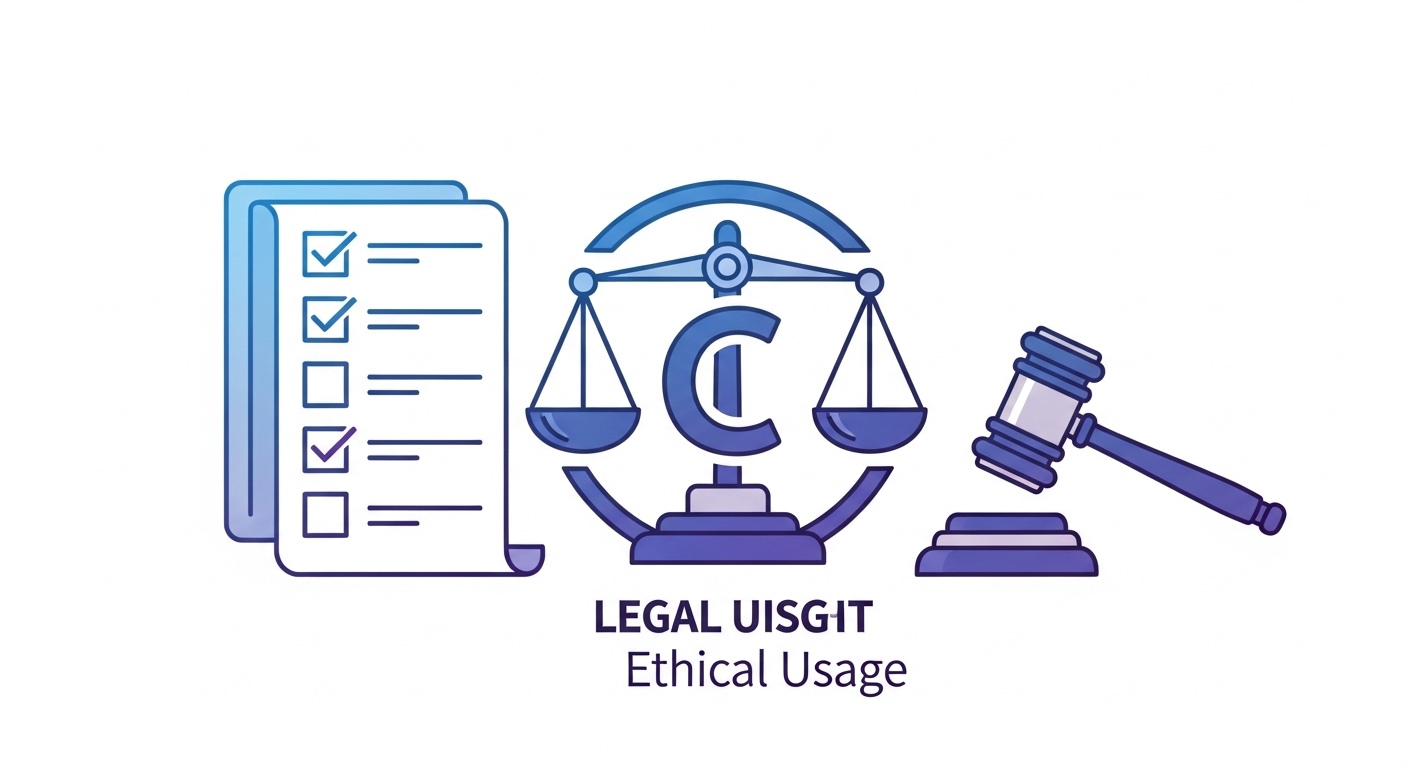
Security and copyrights are important issues regarding TikTok video downloading. Follow these principles for responsible and legal use:

Frequently Asked Questions (FAQ)
To download TikTok videos without watermark, you need to use a dedicated downloader tool. First, click on the share button of the video you want to download on the TikTok app or website and select 'Copy Link'. Then, go to a reliable TikTok video downloader tool, paste the URL you copied and select 'Download No Watermark' or 'Download HD'. The video will be saved to your device without the TikTok logo. This process is completely free and requires no registration.
Downloading TikTok videos for personal use is generally legal, but there are some important limitations. You can only use downloaded videos for offline viewing, learning or personal archiving. However, sharing videos on other platforms without permission, using them for commercial purposes, re-uploading them or presenting them as your own content constitute copyright infringement and are against the law. Always respect the rights of the content creator and get usage permission where necessary. If you want to share the video, sending the original link on TikTok is the safest method.
To download only the audio of a TikTok video in MP3 format, follow these steps: Copy the link to the video in the TikTok app, then go to a TikTok downloader tool with MP3 conversion feature. After pasting the URL, check the 'Download MP3' or 'Download Audio' option in the format selection screen. The tool will automatically extract the audio from the video and save it to your device as an MP3 file. MP3 files are much smaller than videos (usually 2-5 MB) and can be used in music players, podcast apps or as ringtones. Audio quality usually varies between 128-320 kbps.
The choice of TikTok video quality depends on your intended use and internet speed. Most downloader tools offer HD (1080p), SD (720p) or low quality (480p/360p) options. HD (1080p) provides the highest image quality and is ideal for watching on big screens, professional sharing or video editing, but the file size is large (15-25 MB for 1 minute). SD (720p) is a balanced choice, sufficient for viewing on mobile devices and sharing on social media (8-15 MB for 1 minute). Low quality is preferred for fast downloads, limited storage space or slow internet connection situations. Select the option you want from the quality selection menu in the downloader tool.
Downloading TikTok videos on your mobile device (Android phone, iPhone, iPad) is very simple. First, open the video in the TikTok app, tap the share icon and select 'Copy Link'. Then, open your mobile browser (Safari, Chrome, Firefox) and go to a TikTok video downloader website. Paste the URL you copied and tap the 'Download' button. The downloaded video is in the 'Downloads' folder on Android devices, and in the 'Files' app or 'Photos' gallery on iPhone/iPad. You don't need to install a third-party app; the process through the browser is completely safe. Use Wi-Fi to save mobile data when downloading HD videos.
To download TikTok slides (posts containing multiple photos), use a dedicated downloader tool. Copy the URL of the slide post as you do for normal video downloading, then paste it into the downloader tool. The tool will automatically detect the slide and offer you three options: 1) Download photos individually (each photo a separate file), 2) Download as a ZIP file (all photos in one archive), 3) Convert as video (slide + music together in MP4 format). Choose according to your needs. The slide download feature has become standard in most modern TikTok downloaders in 2026. Downloaded photos will usually be in original quality (1080x1920 or higher).
Reliable TikTok video downloaders are safe, but it is important to choose the right tools. A safe downloader tool should have these features: HTTPS connection (lock icon in URL), no request for personal information (email, password, credit card), no excessive advertising or pop-up bombardment, user comments and reviews. Well-known platforms like NETADAM are safe options. Stay away from suspicious sites, unknown browser extensions or tools that require application installation. Scan the files you download with your antivirus software before opening them. Using an ad blocker in your browser also increases security. Web-based downloader tools (those that do not require an app) are generally safer.
There are two methods to copy TikTok video URL (link): Mobile App: Open the video you want to download in the TikTok app, tap the share icon (up arrow) on the right side of the screen, select 'Copy Link' from the menu that opens. The video URL will be automatically copied to your clipboard. Web Browser: Open the TikTok website on your computer or mobile browser, watch the video and select and copy the full URL in the browser's address bar (Ctrl+C or right click and Copy). The URL you copy is usually in 'tiktok.com/@username/video/...' format.
TikTok videos are usually downloaded in MP4 (MPEG-4) format, which is compatible with all devices and operating systems (Android, iOS, Windows, Mac, Linux). MP4 offers a perfect balance between video quality and file size. Some advanced downloader tools may also offer alternative formats: WebM (web-optimized, smaller size), AVI (high quality, for video editing), MOV (for Apple devices). Audio downloads come in MP3 format (with 128-320 kbps quality options). For most users, MP4 is the most suitable choice because it provides universal compatibility and works in all media players (VLC, Windows Media Player, QuickTime).
Apply these tips to increase TikTok video download speed: 1) Use a fast internet connection - prefer Wi-Fi, it's faster than mobile data. 2) Select lower quality - SD (720p) or low quality options download much faster than HD (1080p) because the file size is small. 3) Close background apps - stop other downloads, updates or streaming services that consume your internet bandwidth. 4) Download during night hours - server density decreases and speed increases when internet traffic is low (night 00:00-06:00). 5) Use a reliable downloader - choose well-known downloader platforms with high-performance servers. Regularly cleaning your browser cache can also help.
Conclusion
Important points to summarize:
- No Watermark Download: Modern tools automatically remove the TikTok logo, offering clean videos.
- Multiple Format Support: You can download MP4 video, MP3 audio and photo slides.
- Quality Options: You can choose between HD (1080p), SD (720p) or low quality.
- Mobile Compatibility: Seamlessly works on Android, iOS and tablet devices.
- Security Priority: Protect your personal information by using reliable tools.
- Legal Use: Respect copyrights and use the content responsibly.
You are now ready to download TikTok videos professionally! Start downloading now and enjoy your favorite content offline.
Why Downloaders.net?
Lightning Fast
Our servers process your request in milliseconds. No waiting, no delays.
100% Secure
We don't store your data. All downloads are processed securely.
No Registration
No sign-up, no login — just paste a link and download.
Completely Free
All features are free to use, no hidden fees or subscriptions.