Paste a YouTube link to download videos in HD, Full HD, or 4K quality.
Supported Platforms
YouTube Video Downloader: Free YouTube Video Downloader (2026)
YouTube is the world's most popular video-sharing platform, visited by billions of users every day. From educational content to music videos, vlogs to documentaries, you can find all kinds of videos on YouTube. But what should you do when you want to watch these videos in environments without an internet connection? This is exactly where YouTube video downloader tools come into play.
At Downloaders.net, we offer a professional platform that allows you to download YouTube videos quickly, safely, and completely for free. Our tool, which requires no registration, provides unlimited download opportunities, and is compatible with all devices, allows you to save your favorite YouTube videos to your device in MP4, WebM, or MP3 format. With our infrastructure updated in 2026, we offer high-resolution download options up to 4K quality.
In this comprehensive guide, you will learn all the details of the YouTube video downloading process. We will cover everything from different quality and format options to downloading on mobile devices, from YouTube Shorts to playlist downloading. We will also share security tips and legal information with you.
What is YouTube Video Downloader?
YouTube video downloading is the process of saving videos published on the YouTube platform to your device for the purpose of watching them without requiring an internet connection. Although YouTube's official application offers a limited offline viewing feature with a premium subscription, this feature only works within the YouTube application, and the downloaded videos are not saved to your device's main memory.
Third-party YouTube video downloader tools, on the other hand, allow you to save videos directly to your device in MP4, WebM, FLV, or other video formats. In this way, you can watch, edit, or share the videos with others on any video player. Professional video downloader tools make it possible to download according to your internet speed and storage space by offering different quality options.
Downloaders.net's YouTube video downloader tool is completely web-based and does not require downloading any software. You can start using it immediately by accessing it only through your browser. Our tool works compatibly with YouTube's infrastructure, preserving the original quality of the videos and offering fast download times.
Advantages of Downloading Videos from YouTube
There are many practical advantages to downloading YouTube videos. Here are the most important benefits:
- Offline Viewing: You can watch your videos in places where there is no internet connection, on the plane, in the subway, or during travel.
- Data Saving: To protect your mobile data, you can download videos over WiFi at home and watch them later.
- Content Archiving: You can archive educational videos, tutorials, or valuable content to provide access in the future.
- Uninterrupted Viewing: You can watch videos without problems by pre-downloading them without experiencing stuttering in slow internet connections.
- Video Editing: You can use the videos you download in editing programs and make montages.
- Multi-Device Use: You can watch the video you downloaded once by transferring it to different devices wherever you want.
YouTube video downloading is extremely useful, especially for educational content, language learning videos, fitness programs, and music videos that need to be watched over and over again. You can also use our similar tools to save content from other social media platforms such as Instagram video downloader and TikTok video downloader.
Which YouTube Content Can Be Downloaded?
Almost all public videos on YouTube can be downloaded. This includes:
- Normal YouTube Videos: All videos in standard length
- YouTube Shorts: Short-format vertical videos
- Music Videos: Videos on official artist channels
- Live Stream Recordings: Completed live streams
- Podcasts: Audio content published on YouTube
- Educational Videos: Tutorial, lesson, and course content
- Vlogs: Personal video diaries
- Documentaries: Public documentary content
How to Download YouTube Videos?
Using Downloaders.net, the YouTube video downloading process is extremely simple and fast. You can save your favorite videos to your device in just 4 simple steps. Here is the detailed step-by-step guide:
Copy URL
Copy the link of the YouTube video
Paste
Paste the link into our tool
Select Format
Choose quality and format
Download
Click the download button
Step 1 — Copy the YouTube Video URL
The first step is to copy the URL address of the YouTube video you want to download. There are several different methods for doing this:
On Computer: Open the video you want to watch on YouTube. The video link will appear in the address bar at the top of your browser. Click on this link and copy it with the Ctrl+C (Windows) or Cmd+C (Mac) key combination. Alternatively, you can also copy the link by clicking the "Share" button under the video player.
On Mobile Devices: Open the video in the YouTube application. Tap the "Share" icon under the video title or in the upper right corner. Select the "Copy" or "Copy Link" option from the menu that opens. The video link will be copied to your clipboard.
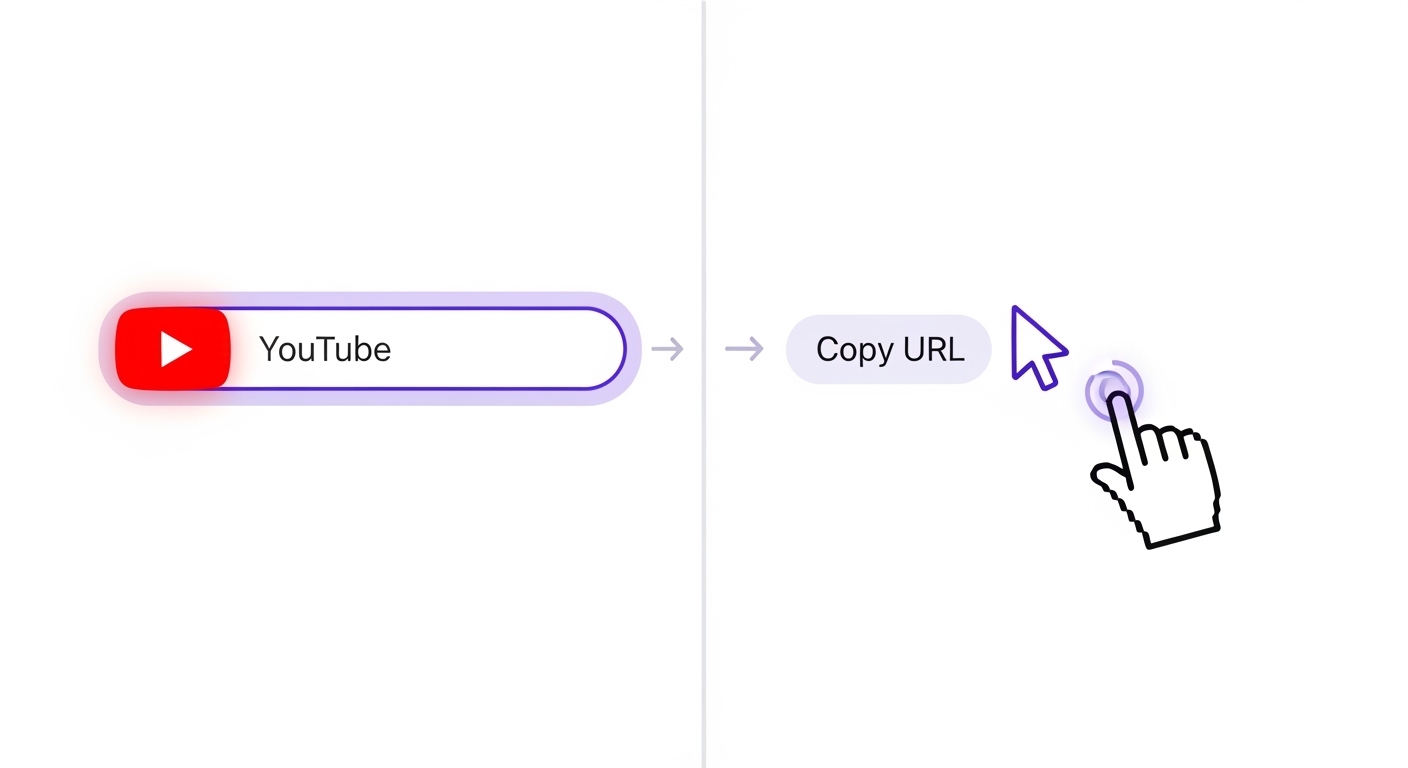
YouTube video links are usually in these formats: https://www.youtube.com/watch?v=VIDEO_ID or as short format https://youtu.be/VIDEO_ID. Both formats work smoothly in our tool.
Step 2 — Paste the URL
Paste the YouTube video link you copied into the input box on the Downloaders.net home page. For this, you can click inside the box and use the Ctrl+V (Windows) or Cmd+V (Mac) key combination. On mobile devices, you can select the "Paste" option by long-pressing the input box.
After the link is pasted, our tool will automatically recognize the video and start analyzing it. This process usually takes 2-5 seconds. During analysis, the title of the video, duration, uploader information, and available quality options are retrieved.
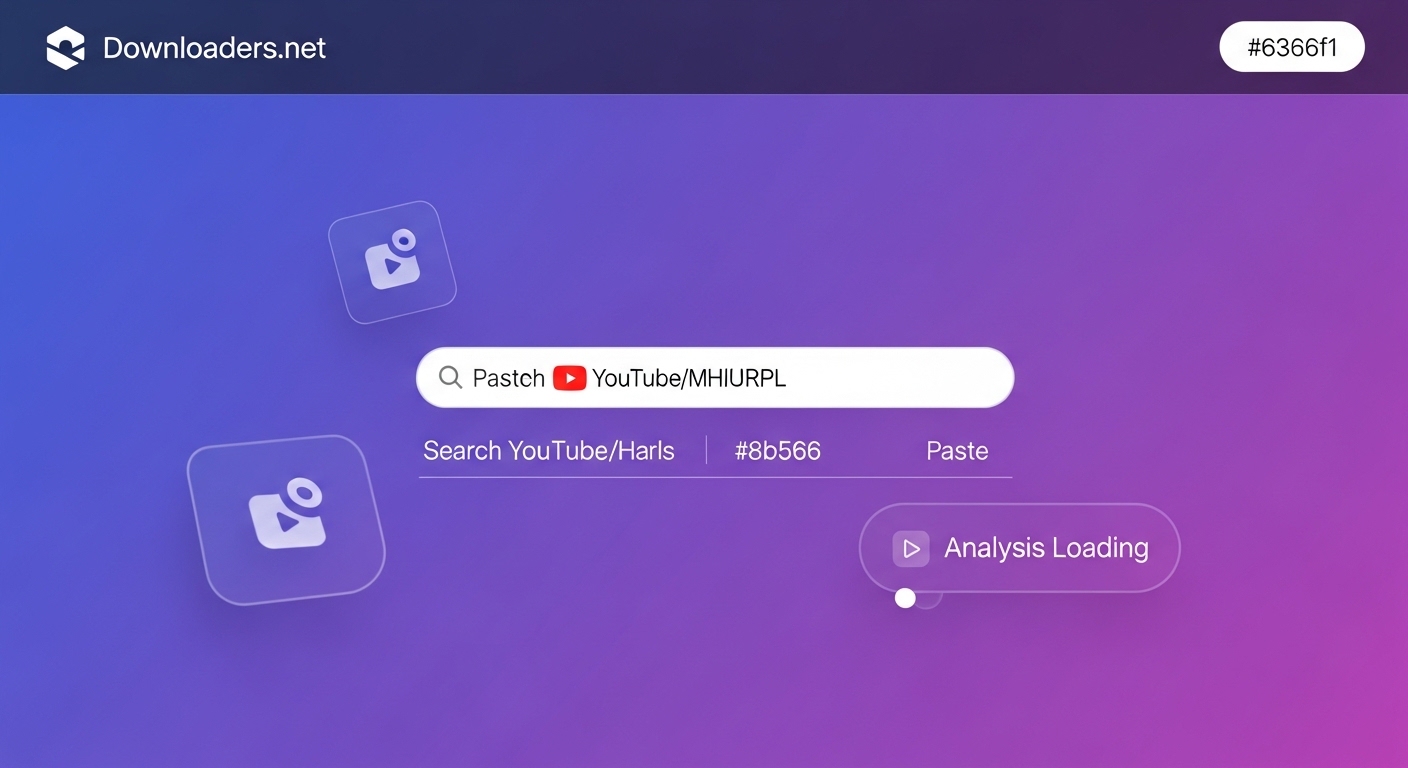
Our tool only accepts valid YouTube links. If you paste an incorrect link, the system will show you a warning message. Also, you need to use our different pages for Twitter video downloader or Facebook video downloader.
Step 3 — Select Quality and Format
After the video is analyzed, different quality and format options will appear. YouTube videos are usually offered with multiple resolution and format options:
Video Formats:
- MP4: The most common and compatible video format (recommended)
- WebM: High quality, low size (browser compatible)
- 3GP: Low quality, very small size (for old phones)
Quality Options:
- 144p: Very low quality, minimum storage space
- 240p: Low quality, for small screens
- 360p: Standard quality, suitable for mobile devices
- 480p: SD (Standard Definition) quality
- 720p: HD (High Definition) quality
- 1080p: Full HD quality (recommended)
- 1440p: 2K quality, for large screens
- 2160p: 4K Ultra HD quality, maximum detail
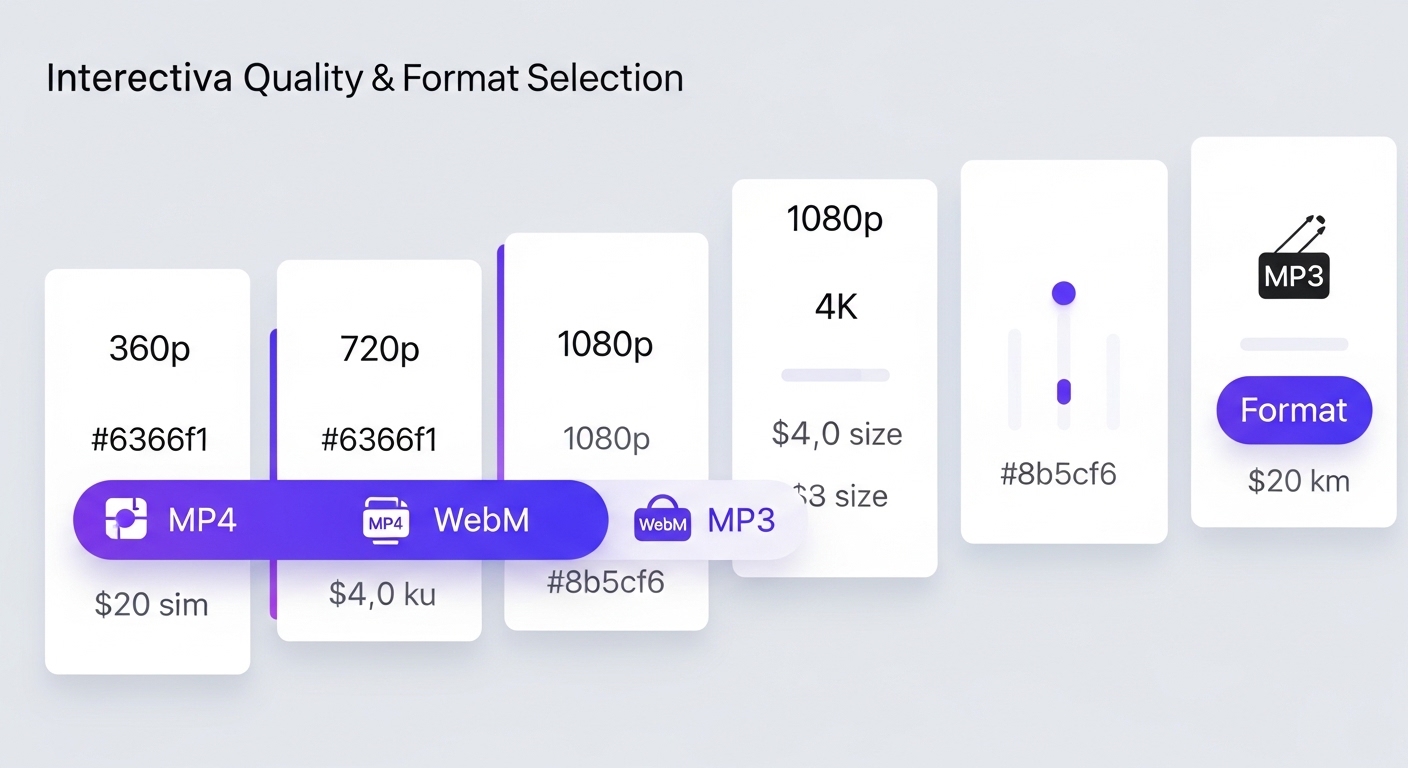
When making your quality selection, consider the device the video will be watched on and your storage space. for example, 720p is usually sufficient on mobile devices, but 1080p or higher quality may be preferred for watching on large screens.
Step 4 — Download
After making your quality and format selection, click the "Download" button. The download process will start immediately. Download speed depends on your internet connection speed, the quality you choose, and the file size.
When the download is complete, the video file will be saved to your browser's default download folder. In most browsers, this folder is named "Downloads". On mobile devices, you can access the downloaded file via the file manager application.
You can now open the video you downloaded in any video player and watch it offline whenever you want. You can play the video file on your computer, phone, tablet, or other devices.
YouTube Video Formats and Quality
YouTube videos are offered in different formats and quality levels. Choosing the right format and quality is important both in terms of file size and viewing experience. In this section, we will examine the basic video formats and quality options used on YouTube in detail.
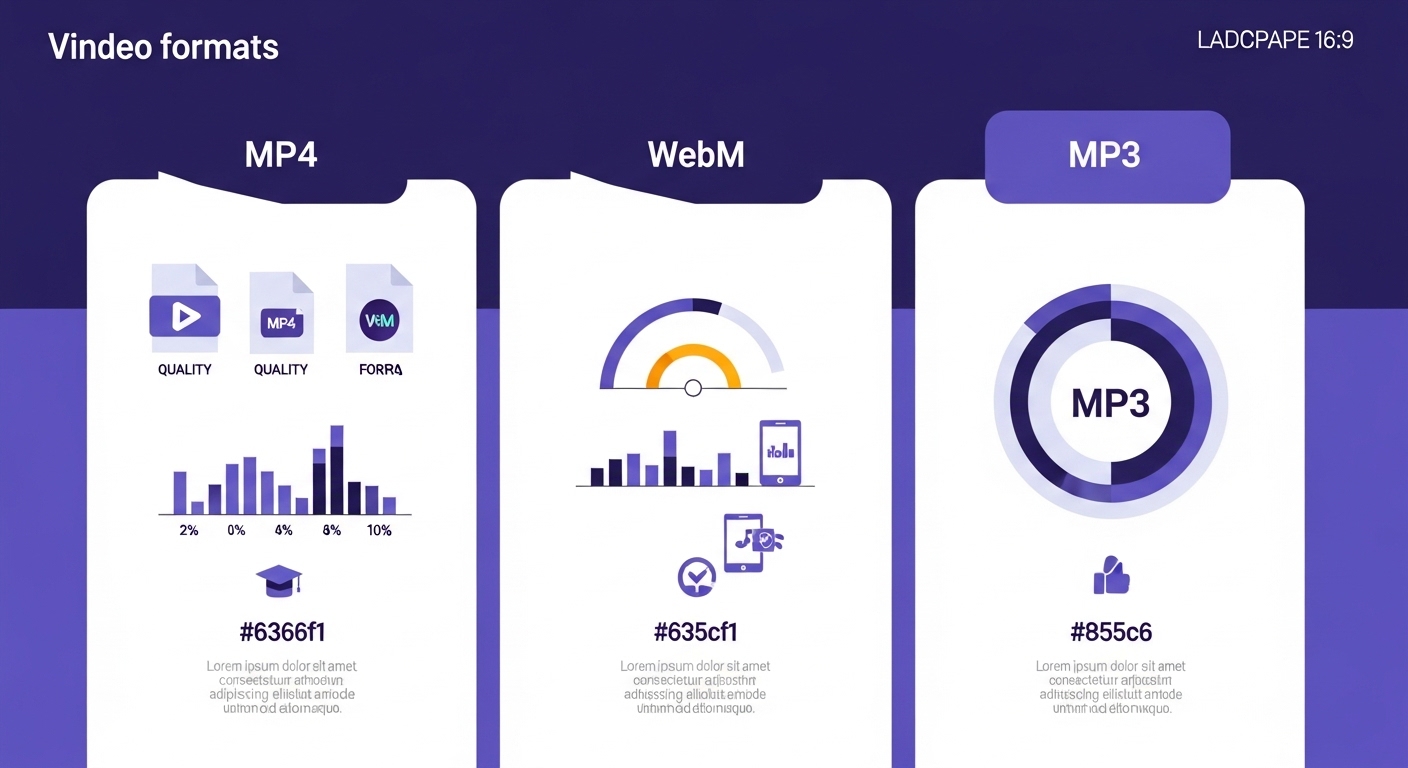
MP4, WebM, MP3 Options
MP4 (MPEG-4 Part 14): It is the most popular and most widely used video format. It provides high-quality compression using H.264 or H.265 codecs. It is supported by all modern devices, smart TVs, players, and browsers. It is the most reliable option for YouTube video downloading because the probability of experiencing compatibility problems is very low. Downloaders.net recommends the MP4 format by default.
WebM (Web Media): It is an open-source video format developed by Google. It can offer better compression ratios compared to MP4 using VP8 or VP9 codecs. Smaller file sizes can be obtained at the same quality. However, compatibility problems may be experienced in some old devices and players. Modern browsers and Android devices play the WebM format without any problems.
MP3 (MPEG Audio Layer 3): It is an audio-only file format, does not contain video. It is used to extract only the audio track from YouTube videos. It is ideal for those who want to save only the audio of music videos, podcasts, speeches, and educational content. By downloading only audio instead of video, storage space is saved to a large extent. A typical 3-minute music video is 50-100 MB in MP4 format, while it takes up only 3-5 MB in MP3 format.
| Format | File Size | Compatibility | Quality | Usage Area |
|---|---|---|---|---|
| MP4 | Medium | Excellent | High | General use |
| WebM | Small | Good | Very High | Web, Android |
| MP3 | Very Small | Excellent | Audio Only | Music, Podcast |
Quality Comparison from 360p to 4K
YouTube videos are offered with different resolution levels. Resolution refers to the number of pixels in the video and directly affects image clarity. Here are the standard quality levels found on YouTube:
| Quality | Resolution | Screen Type | 10 Min Size | Recommendation |
|---|---|---|---|---|
| 144p | 256x144 | Very Small | 10-15 MB | Not Recommended |
| 240p | 426x240 | Small | 20-30 MB | Emergency |
| 360p | 640x360 | Mobile | 40-60 MB | Mobile device |
| 480p | 854x480 | Tablet | 80-120 MB | Good |
| 720p | 1280x720 | Laptop/PC | 150-250 MB | Recommended |
| 1080p | 1920x1080 | PC/TV | 300-500 MB | Very Good |
| 1440p | 2560x1440 | 2K Screen | 600-900 MB | Professional |
| 2160p | 3840x2160 | 4K TV | 1.5-3 GB | Maximum |
YouTube Shorts Downloading
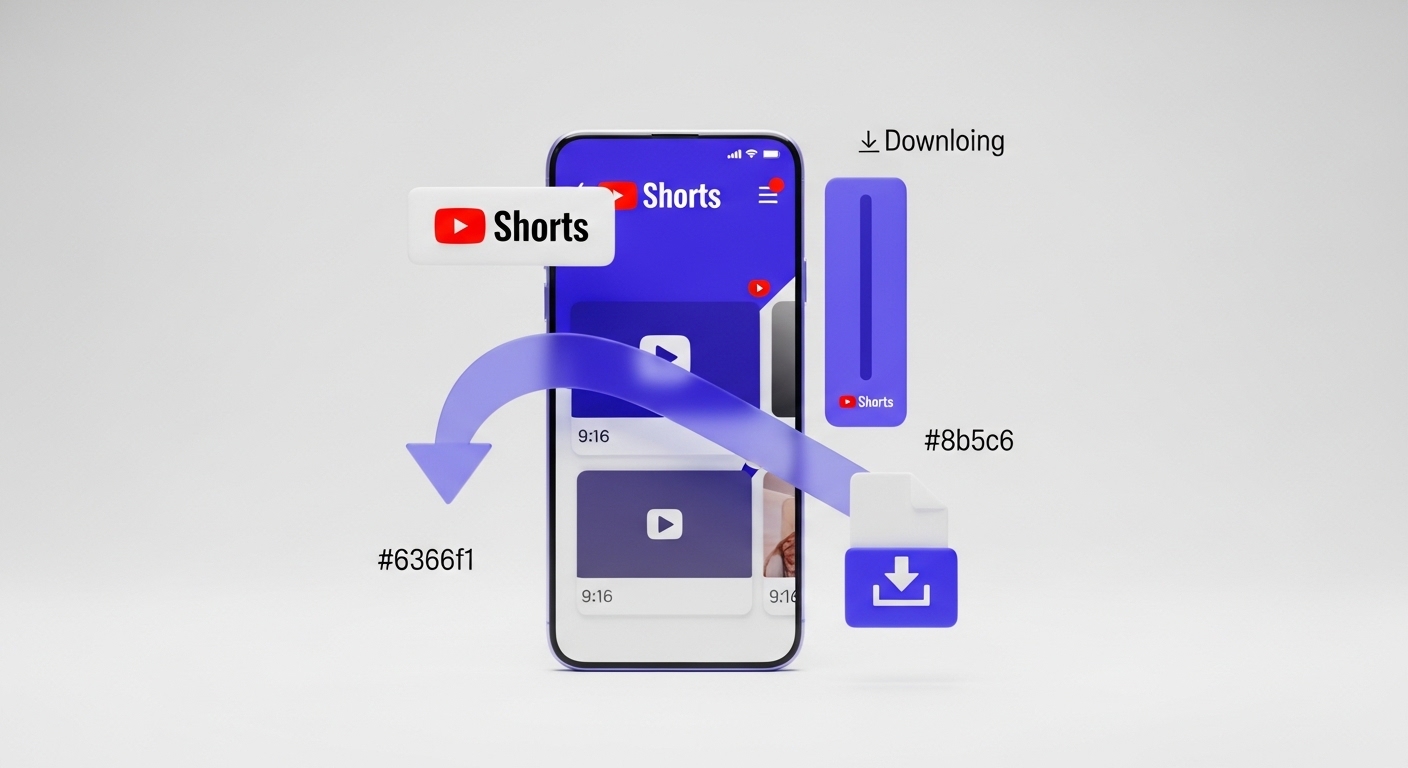
YouTube Shorts is a short-format video feature developed by YouTube to compete with TikTok and Instagram Reels. Containing vertical videos lasting 60 seconds or less, this format is optimized for mobile users and has become extremely popular.
What is Shorts?
YouTube Shorts are vertical videos with a maximum length of 60 seconds, usually with a 9:16 aspect ratio. These videos are specially designed to offer a full-screen viewing experience on mobile devices. Shorts videos are displayed in a special "Shorts" tab on the YouTube home page and in the mobile application.
YouTube Playlist Downloading
With Downloaders.net, the YouTube playlist downloading process is simple and efficient. When you paste the playlist link, the system recognizes all the videos in the list and offers you bulk download options.
Downloading MP3 from YouTube
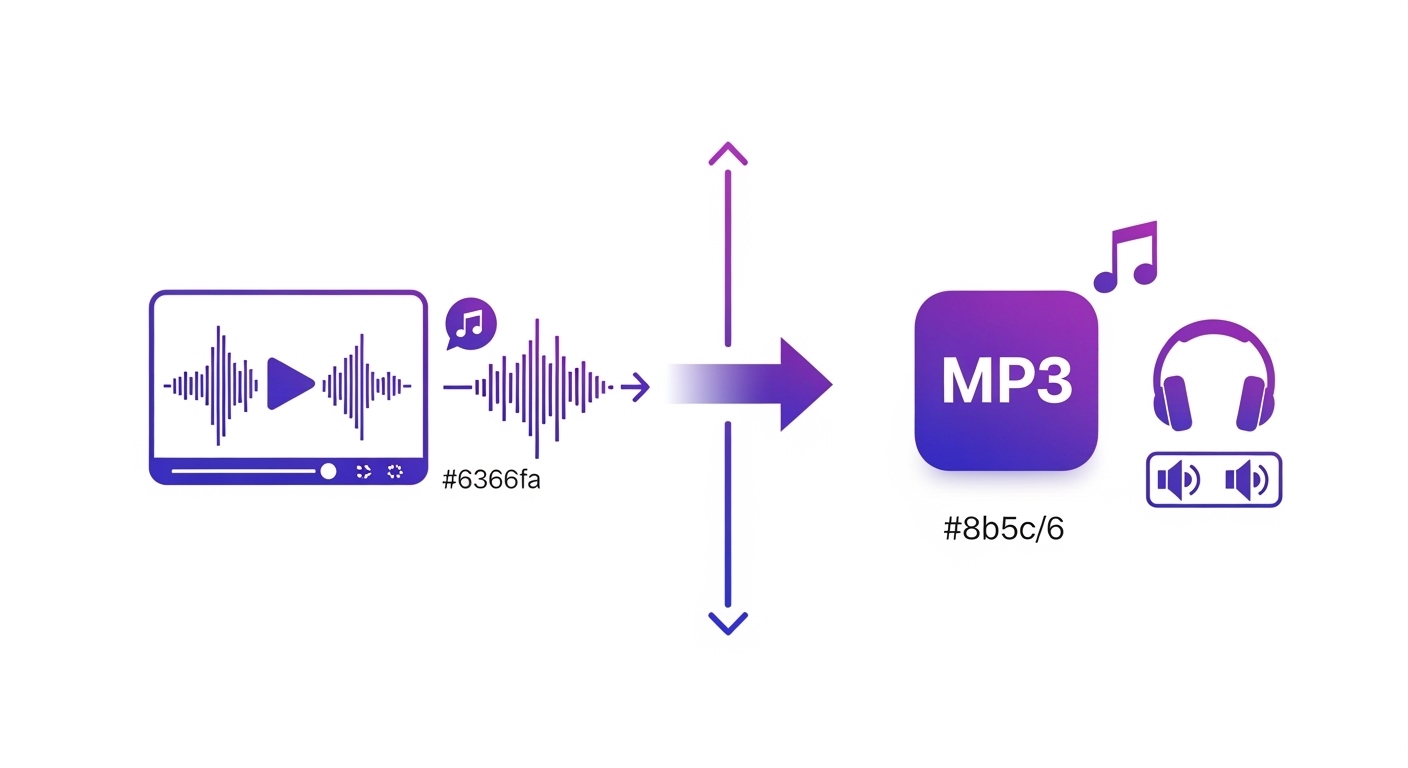
Downloaders.net allows you to download YouTube videos by converting them directly to MP3 format. Only the audio track of the video file is extracted and saved in MP3 format.
Security and Legal Information
Frequently Asked Questions (FAQ)
To download YouTube videos for free, copy the video URL from YouTube, paste it into the downloader box on Downloaders.net, choose your preferred quality (like 1080p MP4), and click the download button. The process is completely free, requires no registration, and works directly in your web browser.
We support the most popular and compatible video formats, including MP4 (highly recommended for all devices) and WebM (perfect for high-quality web playback). You can also choose to download only the audio as an MP3 file if you only need the sound.
Yes, Downloaders.net supports high-resolution video downloading up to 4K (2160p) and even 8K if the original video provides it. Simply look for the 4K or 2160p option in the quality selection menu after the video has been analyzed.
Absolutely. Downloaders.net is a secure platform that uses HTTPS encryption to protect your connection. We do not require any software installations, account registrations, or personal data, ensuring a private and risk-free downloading experience.
No, there are no daily, hourly, or total limits. You can download as many YouTube videos as you want, whether they are short clips or long-form documentaries. Our service remains 100% free for everyone.
Downloading YouTube Shorts is exactly the same as downloading regular videos. Just copy the link of the Shorts video, paste it into our tool, and follow the same steps. We fully support the vertical video format.
Yes, our tool can analyze YouTube playlist links. When you paste a playlist URL, it will list all the videos within that playlist, allowing you to choose which ones you want to save to your device.
On iPhone or iPad, use the Safari browser to visit Downloaders.net. After clicking download, Safari will ask for permission to save the file. You can find your downloaded videos in the 'Files' app or the Safari 'Downloads' manager.
Yes, Downloaders.net is also a high-quality YouTube to MP3 converter. During the format selection step, simply choose 'MP3' to extract and save only the audio track of the video.
No, you do not need YouTube Premium. Our tool allows you to save any public video to your device for offline viewing without any paid subscriptions or fees.
Why Downloaders.net?
Lightning Fast
Our servers process your request in milliseconds. No waiting, no delays.
100% Secure
We don't store your data. All downloads are processed securely.
No Registration
No sign-up, no login — just paste a link and download.
Completely Free
All features are free to use, no hidden fees or subscriptions.