Save Facebook videos in HD – fast and free.
Supported Platforms
Facebook Video Downloader: Download FB Videos for Free (2026)
Millions of videos are shared on Facebook every day, and you might want to watch these videos again later or share them with your friends. The Facebook video download process allows you to save your favorite videos to your device and watch them without an internet connection. In 2026, Facebook video downloading methods have become even easier, and you can now download the video you want in just a few steps.
In this comprehensive guide, you will learn how to download Facebook videos, how to use free video downloader tools, and how to save Facebook Reels and live streams. You will also find detailed information about Facebook video downloading on mobile devices, quality options, privacy, and security.
What is Facebook Video Downloader?
Facebook video downloading is the process of saving videos shared on the Facebook platform to your device. Thanks to this process, you can watch your favorite videos offline, share them with your friends, or archive them. Although Facebook's own application offers a feature to temporarily save some videos, you need to use third-party tools for permanent downloading.
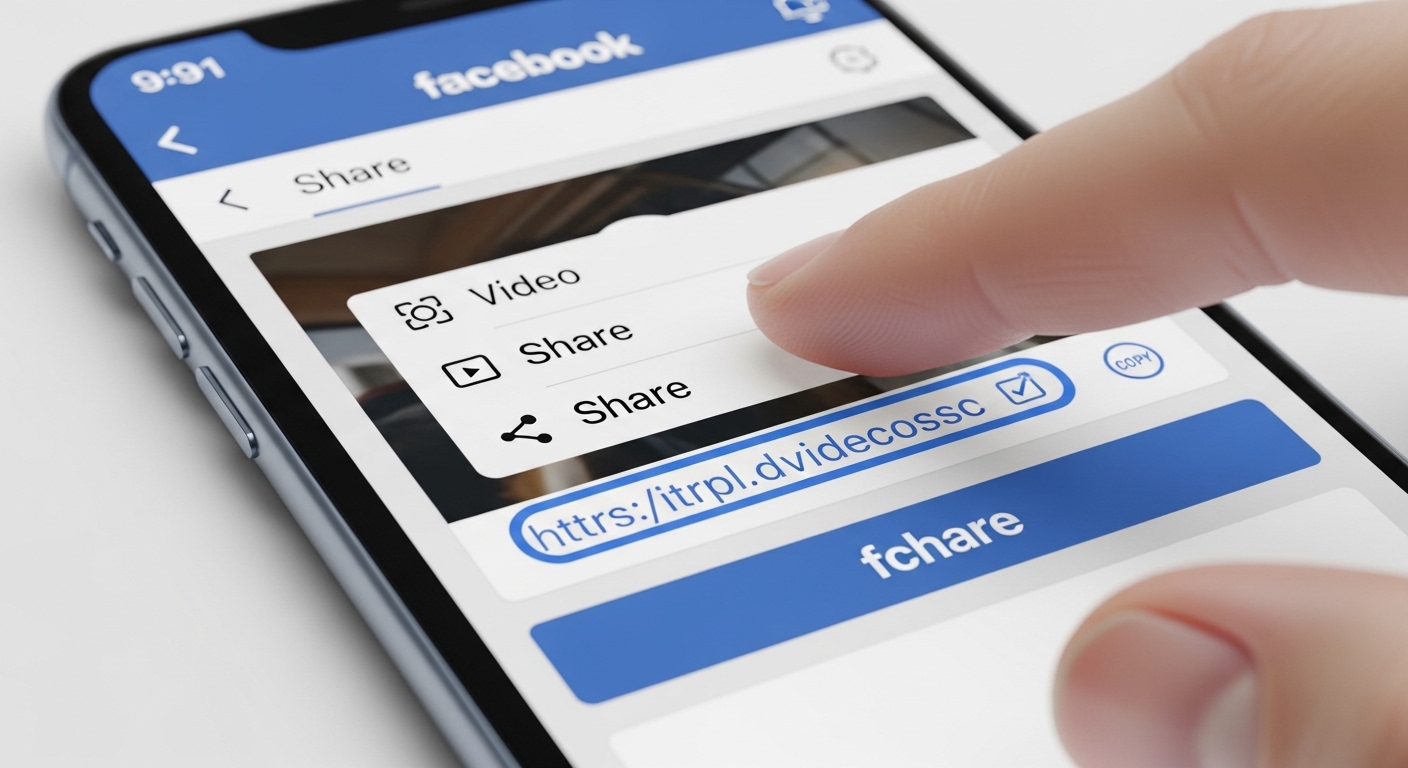
Facebook video downloader tools use the video URL to retrieve the video from Facebook servers and save it to your device in MP4 format. These tools are usually free and do not require any registration. You can find detailed information in our video downloader guide.
Advantages of Downloading Videos from Facebook
There are many advantages to downloading Facebook videos, which is why millions of users perform the video download process regularly:
- You can watch videos without an internet connection
- You can permanently archive content you like
- You can share videos on other platforms
- You can watch educational or tutorial videos over and over again
- You can save on mobile internet by reducing data usage
- You can protect content at risk of being deleted
- Uninterrupted viewing in case of slow internet connection
- You can create personal video collections
Especially educational content, recipes, sports videos, music performances, and comedy sketches are among the most downloaded Facebook content.
Which Facebook Videos Can Be Downloaded?
You can download almost all types of public videos on the Facebook platform using our tool. Here are the types of content you can download and their features:
| Content Type | Downloadable? | Requirements | Available Quality |
|---|---|---|---|
| Public Videos | Yes | None | SD, HD, Full HD |
| Facebook Reels | Yes | None | SD, HD |
| Watch Videos | Yes | None | SD, HD, Full HD |
| Live Streams (Completed) | Yes | Broadcast must be over | SD, HD |
| Private Videos | Partially | Permissions may be needed | SD, HD |
| Group Videos | Yes | Must be a group member | SD, HD |
| Page Videos | Yes | None | SD, HD |
How to Download Facebook Videos?
Facebook video downloading is quite simple and can be completed in just a few steps. Whether from a computer or a mobile device, you can download any video you want by following the same basic steps.
Copy video URL
Copy the link of the Facebook video you want to download
Go to Downloader Tool
Open the video downloader tool in your browser
Paste the URL
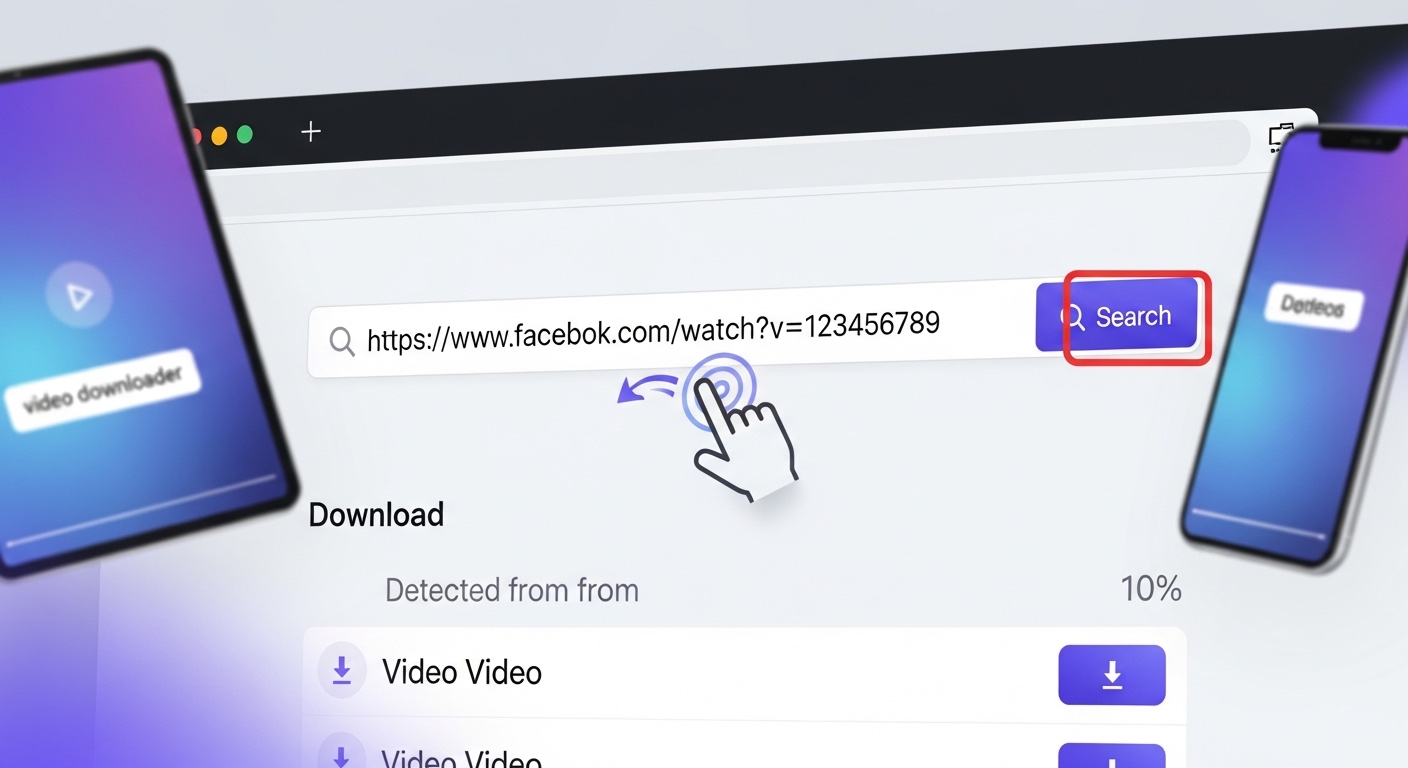
Paste the copied link into the search box
Download
Choose quality and click the download button
Step 1: Copying Facebook Video URL
The first step is to copy the URL address of the video you want to download. On a desktop computer, you can right-click on the video and select the "Copy Video URL" option.
Step 2: Using the Downloader Tool
Paste the URL you copied into our Facebook video downloader tool. The tool will automatically analyze the video information and offer you the available quality options.
Downloading Facebook Reels
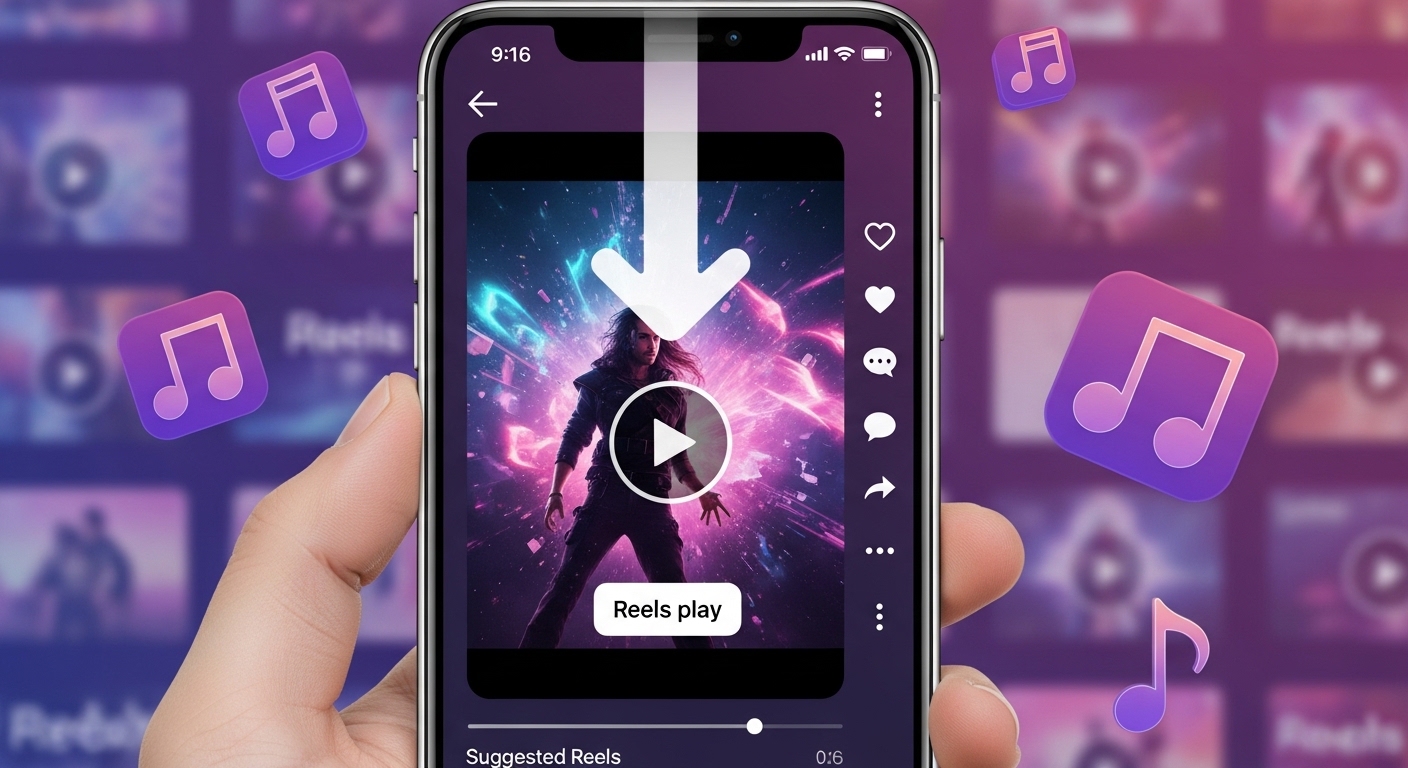
Facebook Reels are highly popular short videos. To download Reels, simply tap the "Share" button at the bottom right and select "Copy Link". Then paste this link into our tool.
Facebook Live Stream Downloading
You can download Facebook live streams once they are completed. After the broadcast ends, the video is saved to the user's profile or page. You can copy the link of this saved video and download it.
Facebook Watch Video Downloading
Facebook Video Formats and Quality
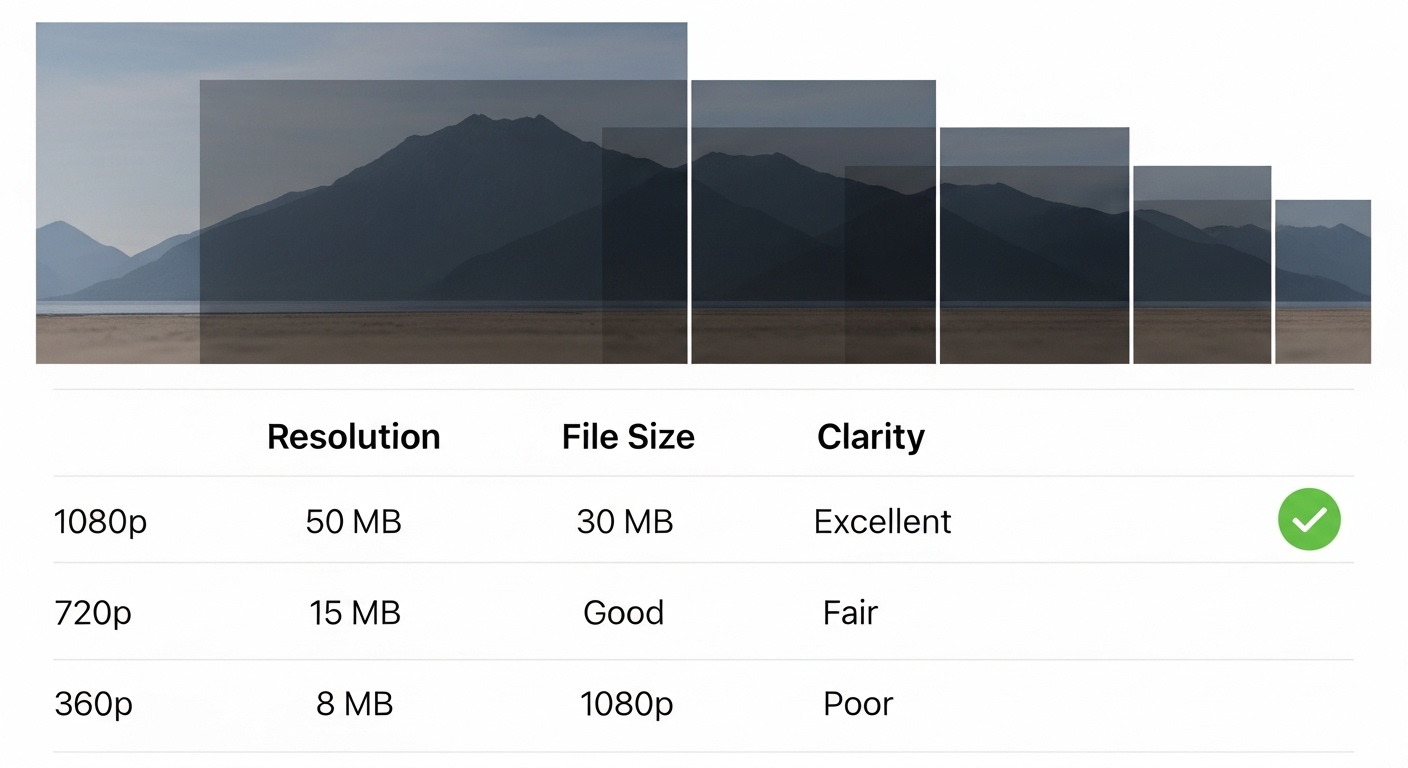
| Quality | Resolution | Avg. File Size (10 min) | Recommended Use |
|---|---|---|---|
| Full HD | 1920x1080 | 300-500 MB | Watching on large screens |
| HD | 1280x720 | 150-250 MB | Computer and tablet |
| SD (480p) | 854x480 | 80-120 MB | Mobile devices |
| SD (360p) | 640x360 | 40-70 MB | Low storage space |
Facebook Video Downloading on Mobile Devices
Android Devices
Download from Chrome or Firefox browser or use dedicated apps
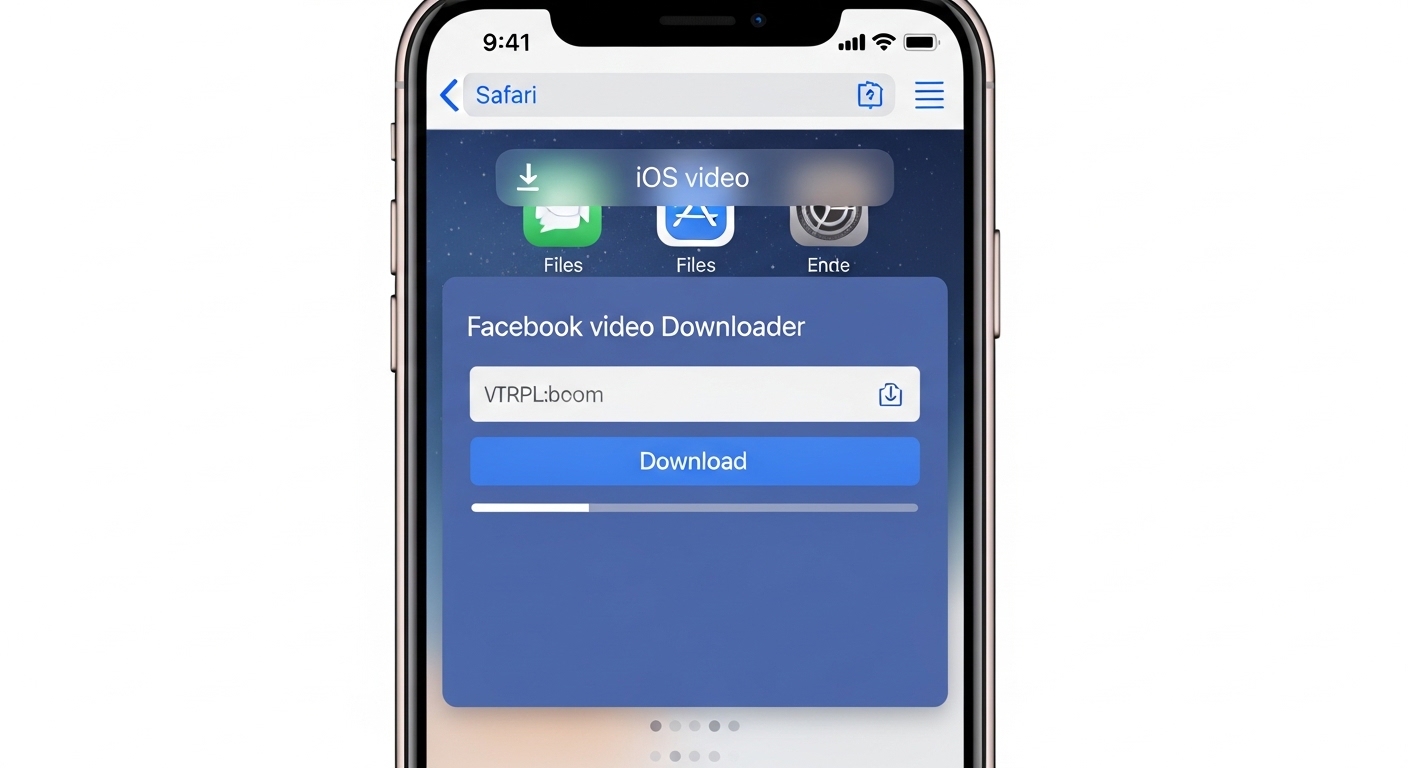
iPhone (iOS)
Download from Safari browser or with the Shortcuts app
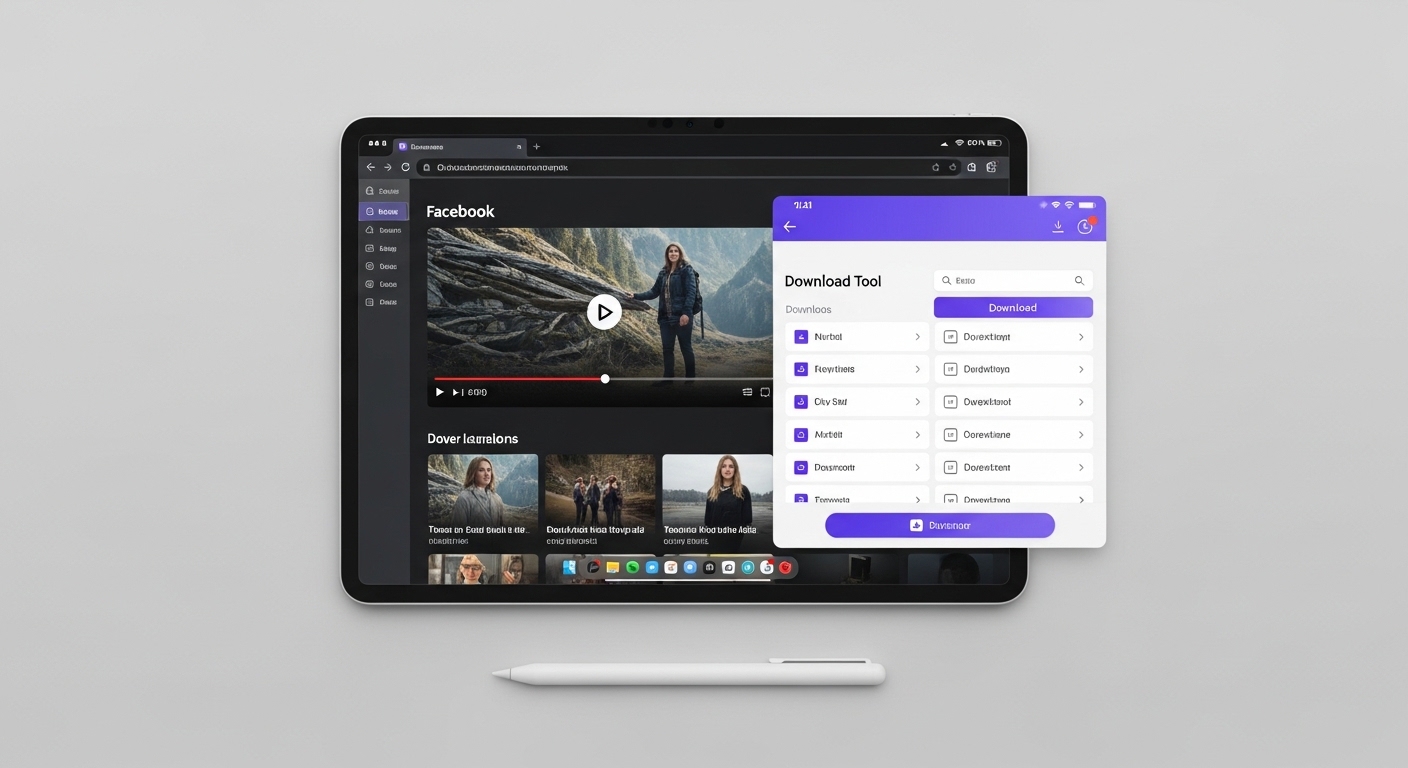
Tablet Devices
Download from desktop mode or mobile browser on tablet
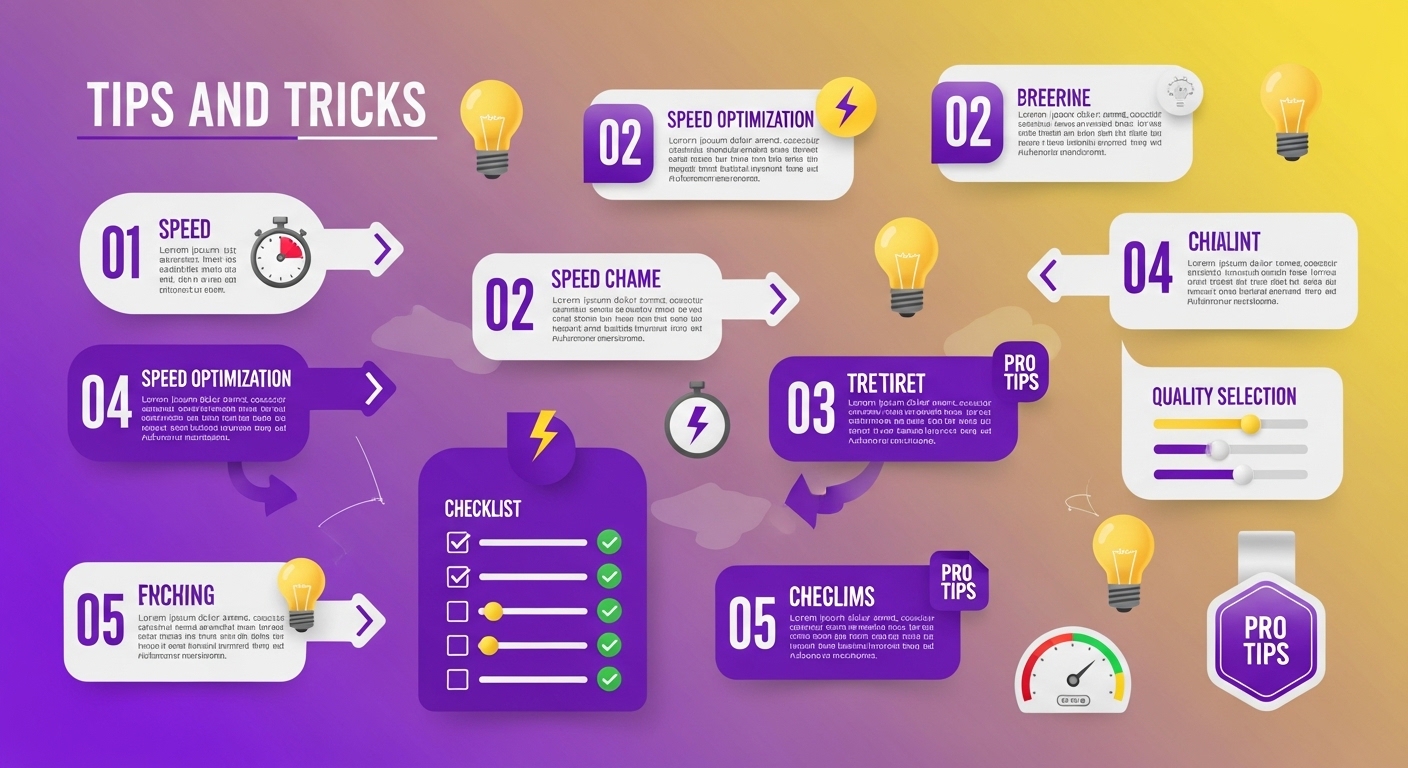
Facebook Video Download Tips
Privacy and Security
Conclusion
Related Guides and Tools
Check out our other guides to improve your video downloading experience:
Frequently Asked Questions (FAQ)
To download Facebook videos, follow these steps: 1) Copy the URL of the video you want to download, 2) Go to our video downloader tool, 3) Paste the URL into the search box, 4) Select the quality (HD, SD, etc.), 5) Click the 'Download' button.
It is legal to download your own videos or public content without copyright. However, downloading and sharing copyrighted content belonging to others without permission is against the law.
Facebook Reels videos are downloaded the same way as normal Facebook videos. Simply copy the URL of the Reels video and paste it into our video downloader tool.
Yes, you can download completed Facebook live streams. However, you cannot directly download ongoing live streams. You may need to wait 5-10 minutes for Facebook to process the video after the broadcast is complete.
Facebook videos are usually downloaded in MP4 format. Quality options include Full HD (1080p), HD (720p), SD (480p, 360p), and low quality (240p).
Yes, you can download Facebook videos from Android and iOS devices. You can use the downloader tool from your mobile browser or prefer dedicated applications.
To download Facebook Watch videos, copy the video URL and paste it into the downloader tool. Watch videos are downloaded just like normal Facebook videos.
Yes, you can download Facebook videos for free. Most downloader tools do not charge any fees and offer unlimited usage.
To download private Facebook videos, you must be logged into your account and have permission from the video owner. Depending on privacy settings, some videos may not be downloadable.
Downloaded Facebook videos are saved in your browser's default download folder. You can usually find them in the 'Downloads' folder.
Why Downloaders.net?
Lightning Fast
Our servers process your request in milliseconds. No waiting, no delays.
100% Secure
We don't store your data. All downloads are processed securely.
No Registration
No sign-up, no login — just paste a link and download.
Completely Free
All features are free to use, no hidden fees or subscriptions.