Save videos from X (formerly Twitter) tweets easily.
Supported Platforms
Twitter (X) Video Downloader: Download Tweet Videos for Free (2026)
Twitter (now known as X) is one of the most popular social media platforms where millions of users share news, opinions, and content instantly worldwide. As of 2026, the platform has become a massive media hub with millions of video contents shared every day. Fun clips, important news footage, educational videos, sports moments and more spread on Twitter in seconds.
However, Twitter's official app and website do not offer the feature to download videos shared on the platform to devices. This is exactly where professional video downloader tools come into play. In this comprehensive guide, you will learn step by step how to easily download Twitter videos, GIFs and even Spaces audio recordings.
Twitter video downloading is extremely simple and fast when you use the right tools. You can save any tweet videos to your computer, phone or tablet without registering, installing apps or making any payments.
What is Twitter Video Downloading?
Twitter video downloading is the process of saving video content shared on the platform to your device. Since Twitter's own interface does not offer this feature, users need third-party video downloader tools. These tools extract the direct download link of the video file by analyzing the tweet URL and offer you different quality options.

Video downloader tools find the original file of the video by accessing Twitter's infrastructure. This allows you to download cleanly without sacrificing video quality and without adding ads or watermarks. The process is completely automated and requires no technical knowledge.
Advantages of Downloading Videos from Twitter
- Offline access: You can watch videos anytime without an internet connection
- Archiving: You can keep important content permanently and protect videos of deleted tweets
- Faster loading: Downloaded videos start much faster than from the feed and play seamlessly
- Data savings: You avoid continuous data spending by downloading the video once
- Editing and sharing: You can edit downloaded videos and share them on other platforms
- Educational use: Ideal for course materials, tutorial videos and educational content
- Quality control: You can optimize your storage space by choosing the desired video quality
Which Tweet Content Can Be Downloaded?
| Content Type | Downloadable? | Format | Max Quality |
|---|---|---|---|
| Regular Videos | Yes | MP4 | 1080p Full HD |
| GIFs | Yes | MP4 (video) | 720p |
| Twitter Spaces | Yes (recorded) | MP3 (audio) | 128 kbps |
| Live Broadcasts | No (active) | - | - |
| Archived Broadcasts | Yes | MP4 | 720p |
How to Download Twitter Videos?
Copy the URL
Click the share button of the tweet you want to download and select "Copy link"
Paste into Tool
Open the video downloader tool and paste the copied URL into the input box
Select Quality
Select the one you want from the available quality options (360p, 720p or 1080p)
Download
Click the "Download" button and wait for the video to be saved to your device
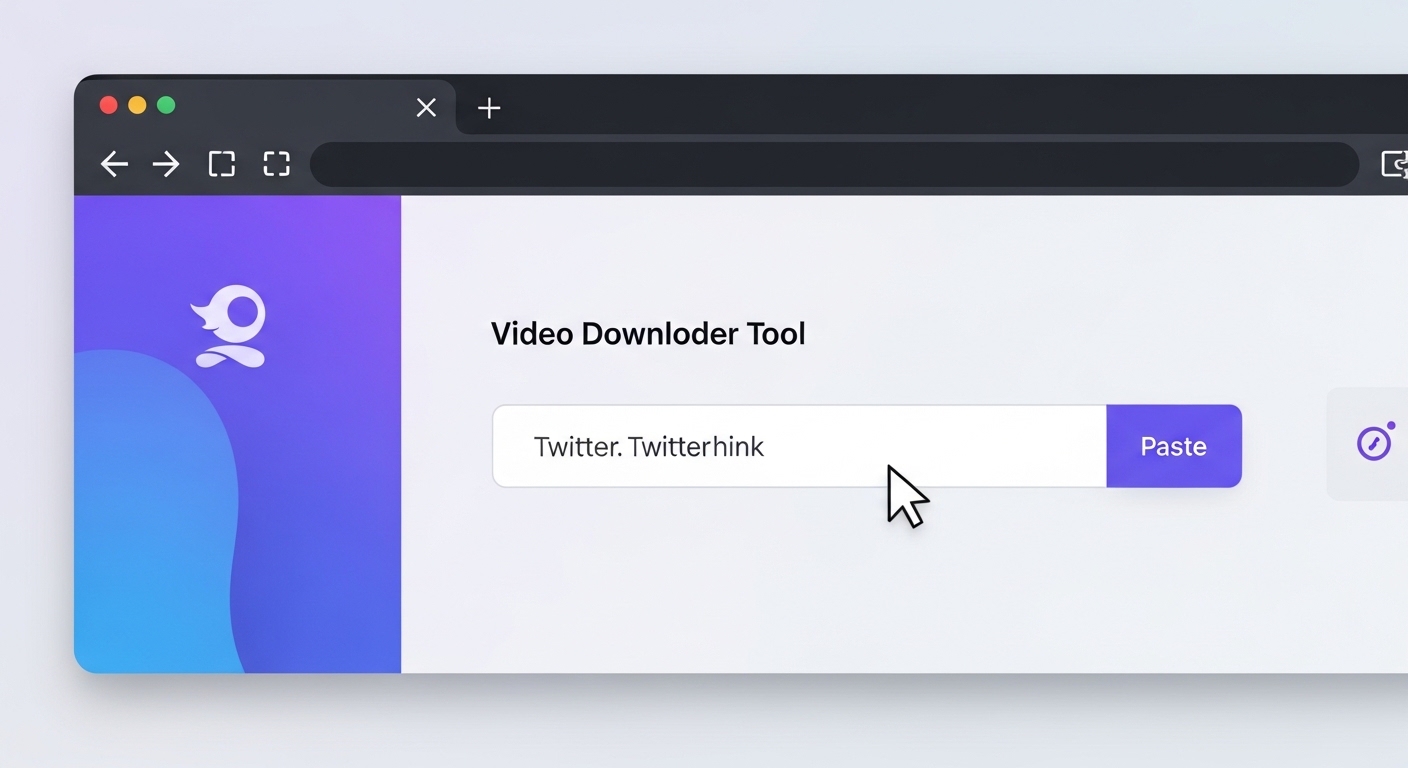
Step 1: Finding the Tweet URL
On the Twitter app or website, click the three-dot (...) menu in the upper right corner of the tweet or tap the share icon and select the "Copy link" option.
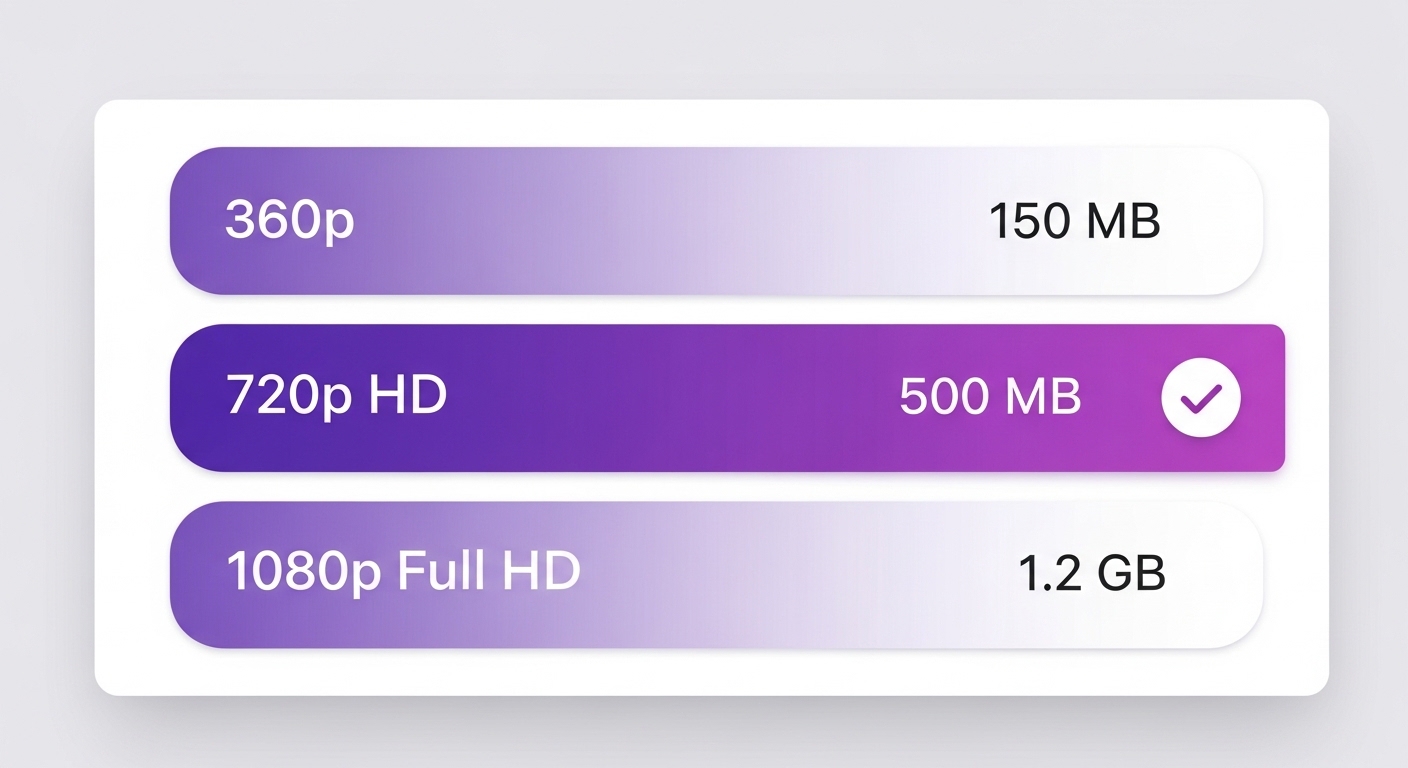
Step 2: Using the Video Downloader Tool
Open the free Twitter video downloader tool in your browser. Paste the tweet link into the URL input box on the home page.
Twitter GIF Download
Twitter GIFs, frequently shared on the platform, are actually short looping videos. The platform stores GIF files by internally converting them to MP4 video format. Therefore, when you download a Twitter GIF, the file will come with an .mp4 extension.
Twitter Spaces Audio Download
Twitter Spaces is the platform's voice chat rooms feature. Some Spaces recordings are archived after the broadcast, and you can download these recordings as well.
Twitter Video Formats and Quality
Download Twitter Video on Mobile Devices
Android Devices
Easily download videos via Chrome or Firefox browser. Files are saved to your gallery app.
iPhone and iPad
Download with Safari browser. Videos are automatically saved to the Photos app.
Tablet Devices
Download videos comfortably on a large screen. Both Android and iOS tablets are supported.
Tips for Twitter Video Downloading

Security and Terms of Use


Frequently Asked Questions (FAQ)
To download Twitter videos, copy the tweet URL, paste it into the video downloader tool, select the desired quality and click the download button. The whole process takes a few seconds and is completely free. No registration or application installation is required.
Yes, Twitter video downloading is completely free. You can download unlimited videos without registering, installing apps or making payments. Our tools offer 100% free use.
Twitter GIFs are actually short videos. You can download GIFs same as normal video downloading. GIFs are downloaded in MP4 format and can be played on all devices.
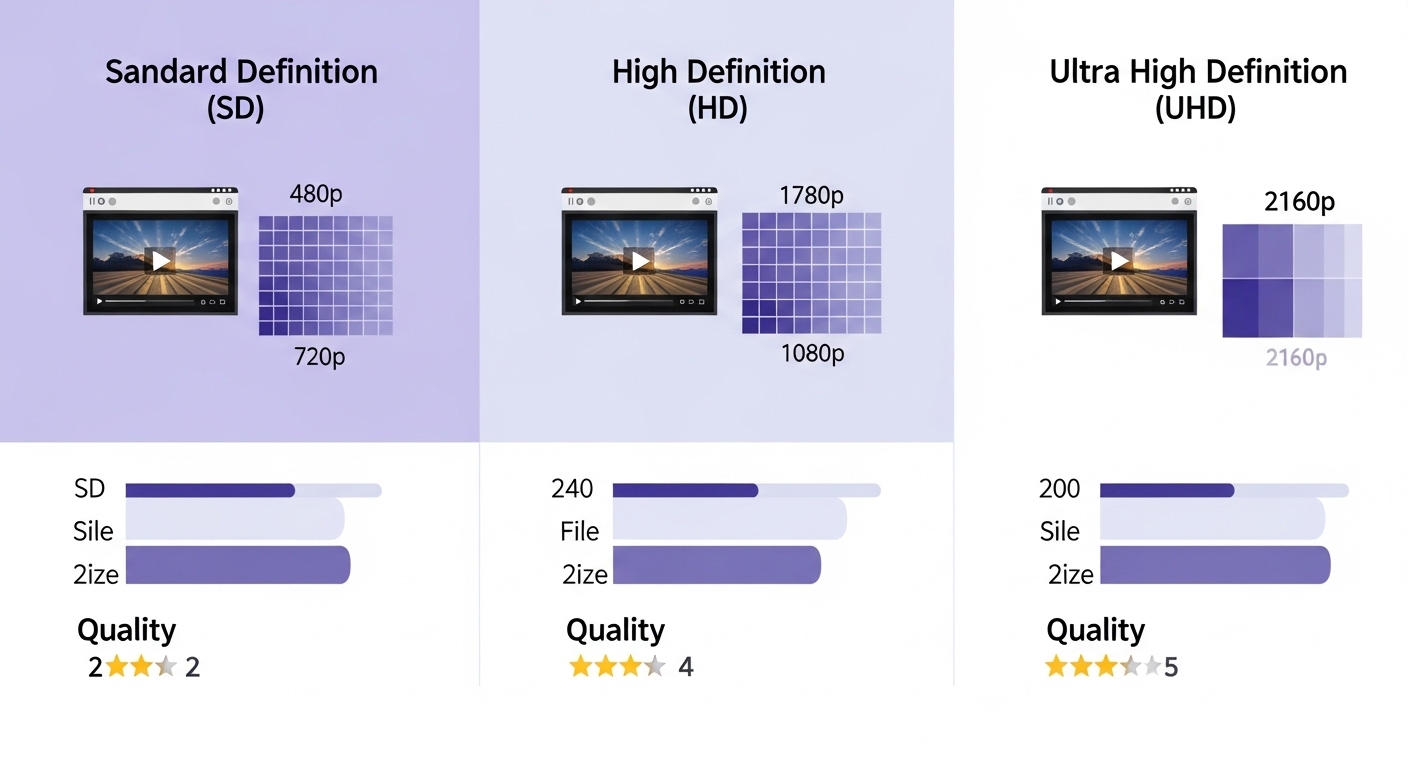
Twitter videos are usually offered in three different qualities: 360p (low), 720p (medium HD) and 1080p (high quality Full HD). High quality videos take up more space but provide a clearer image.
Yes, the Twitter video downloader tool is fully compatible with all mobile devices. You can easily download videos from Android phones, iPhones and tablet devices. Simply use the tool through your mobile browser.
Yes, you can download recorded Twitter Spaces audio conversations. Simply copy the Spaces URL and paste it into the downloader tool. The audio file is downloaded in MP3 format.
Downloaded videos are saved in your device's default downloads folder. This is usually the 'Downloads' folder on desktop computers and the gallery or file manager on mobile devices.
Downloading Twitter videos for personal use is generally fine. However, sharing the content without permission, using it for commercial purposes or infringing copyright is against the law. Always respect the content owner's rights.
No, you cannot download videos from protected or private Twitter accounts. Video downloader tools can only download videos from public tweets. You must first follow that account and get permission to view the tweet.
Twitter videos are downloaded in MP4 format. This format is compatible with all devices, operating systems and media players. MP4 works smoothly on Windows, Mac, Linux, Android and iOS.
Conclusion
Why Downloaders.net?
Lightning Fast
Our servers process your request in milliseconds. No waiting, no delays.
100% Secure
We don't store your data. All downloads are processed securely.
No Registration
No sign-up, no login — just paste a link and download.
Completely Free
All features are free to use, no hidden fees or subscriptions.