Save Instagram reels, stories, and videos with one click.
Supported Platforms
Instagram Video Downloader: Reels, Stories, and IGTV Downloader (2026)
Instagram is one of the most popular social media platforms in the world, with more than 2.5 billion active users in 2026. Millions of videos, Reels, Stories, and IGTV contents are shared every day. Sometimes you may want to save a video you like, watch it offline, or share it with others. This is exactly where Instagram video downloader tools come into play.
In this comprehensive guide, you will learn in detail all the ways to download videos from Instagram, Reels and Stories downloading methods, the best quality options, and security tips. We will explain step by step how you can download Instagram contents fast, safely, and easily with the current methods of 2026.
What is Instagram Video Downloader?
Instagram video downloading is the process of saving videos, Reels contents, Stories, and IGTV long videos shared on the platform to your own device. Instagram's official application does not allow users to download videos directly to their devices. You can only save videos to your Instagram account with the "Save" feature, but this does not provide offline access.
That's why third-party Instagram video downloader tools have been developed. These tools access the source files of the videos using the APIs and web technologies offered by Instagram and present them in a downloadable format. Modern Instagram video downloaders attract attention with their user-friendly interfaces, fast processing times, and high-quality options.
Instagram video downloader tools can work on different platforms and devices. While web-based tools do not require any software download, mobile applications may offer additional features. The most popular method in 2026 is to use browser-based video downloader tools because they are platform-independent and work fast.
Benefits of Downloading Videos from Instagram
There are many practical benefits to downloading videos from Instagram. Here are the reasons most preferred by users:
- Offline viewing possibility - You can watch videos without an internet connection
- Content archiving - You can permanently store the videos you like
- Educational use - You can watch tutorial videos repeatedly
- Backup - You can back up your own contents
- Data saving - You can reduce data usage by downloading a video once and watching it again
- Portfolio creation - Reference content collection for creators
- Research and analysis - For competitor analysis and market research
- Protection from link breaks - You can access deleted contents
Which Content Types Can Be Downloaded?
| Content Type | Description | Maximum Duration | Quality | Download Support |
|---|---|---|---|---|
| Feed Videos | Videos shared as normal posts | 60 seconds | 1080p | ✓ Supported |
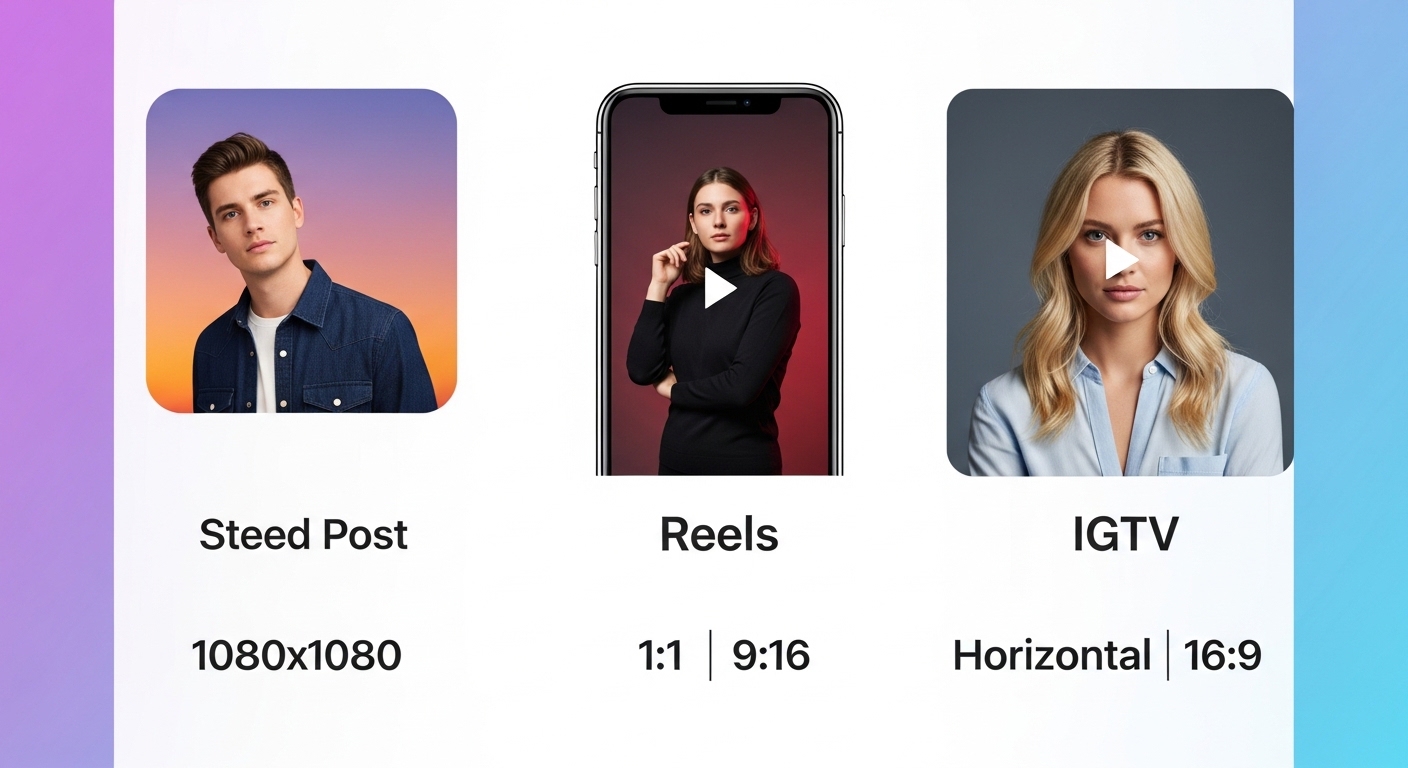
| Instagram Reels | Fun videos in short vertical format | 90 seconds | 1080x1920 | ✓ Supported |
| Instagram Stories | Story videos that disappear after 24 hours | 60 seconds | 1080x1920 | ✓ Supported |
| IGTV Videos | Long format vertical and horizontal videos | 60 minutes | 1080p Full HD | ✓ Supported |
| Carousel Videos | Videos within multi-posts | 60 seconds | 1080p | ✓ Supported |
| Profile Photos | User profile picture | - | Full resolution | ✓ Supported |
How to Download Instagram Videos?
Find Video
Find the video you want to download on Instagram and open it
Copy URL
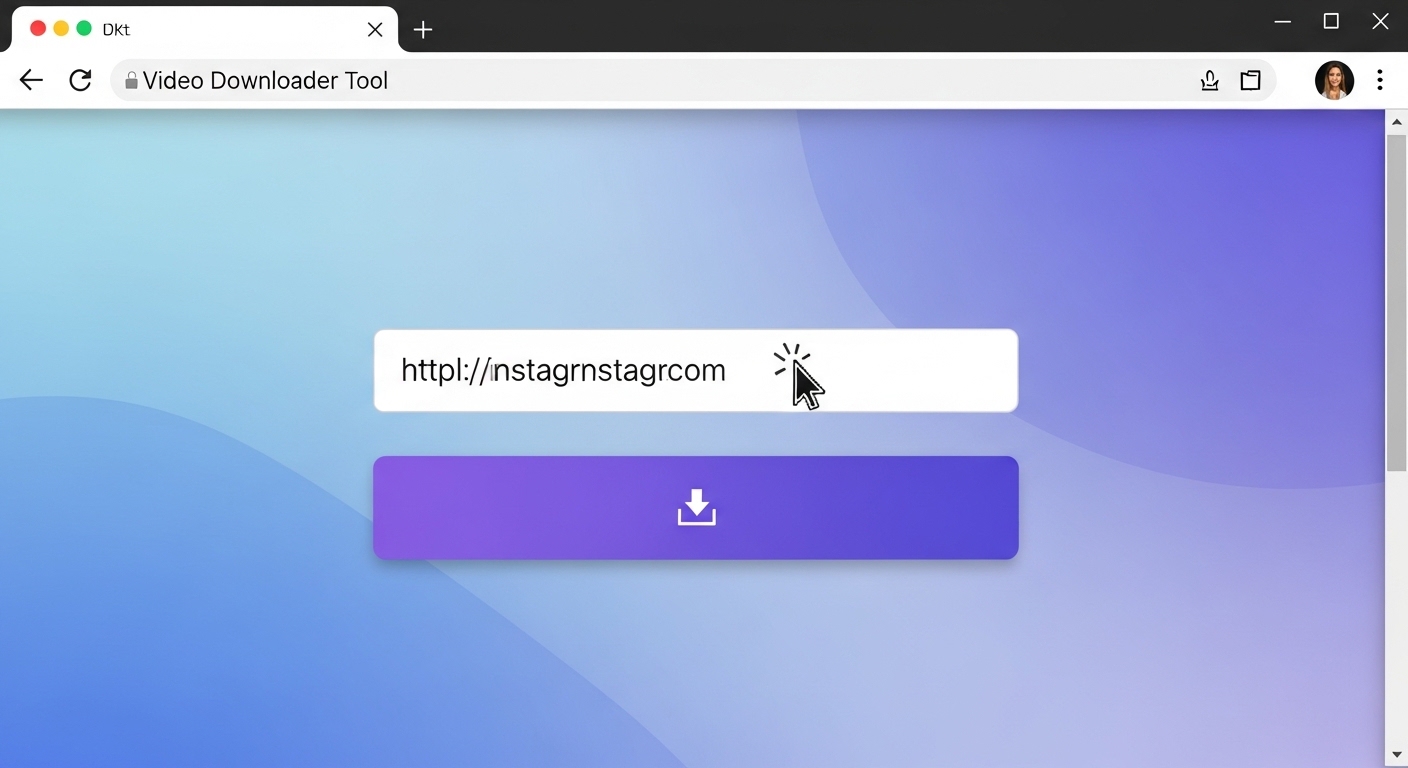
Select "Copy Link" from the three-dot menu on the video
Paste
Paste the copied URL into the downloader tool
Download
Choose quality and click the "Download" button
Step 1 — Find the Instagram Video
First, open the Instagram application or website and find the video you want to download. This can be a feed post, Reels video, Stories, or IGTV content. You should be able to see the video fully on your screen.
Step 2 — Copy the Video Link
After finding the video, click on the three-dot (...) icon located in the upper right corner of the video. Select "Copy Link" from the menu that opens.
Step 3 — Paste the URL into the Downloader Tool
Now open our Instagram video downloader tool. At the top of the page, you will see an input box that says "Paste Instagram video URL here". Paste the URL you copied into this box.
Step 4 — Choose Quality and Download
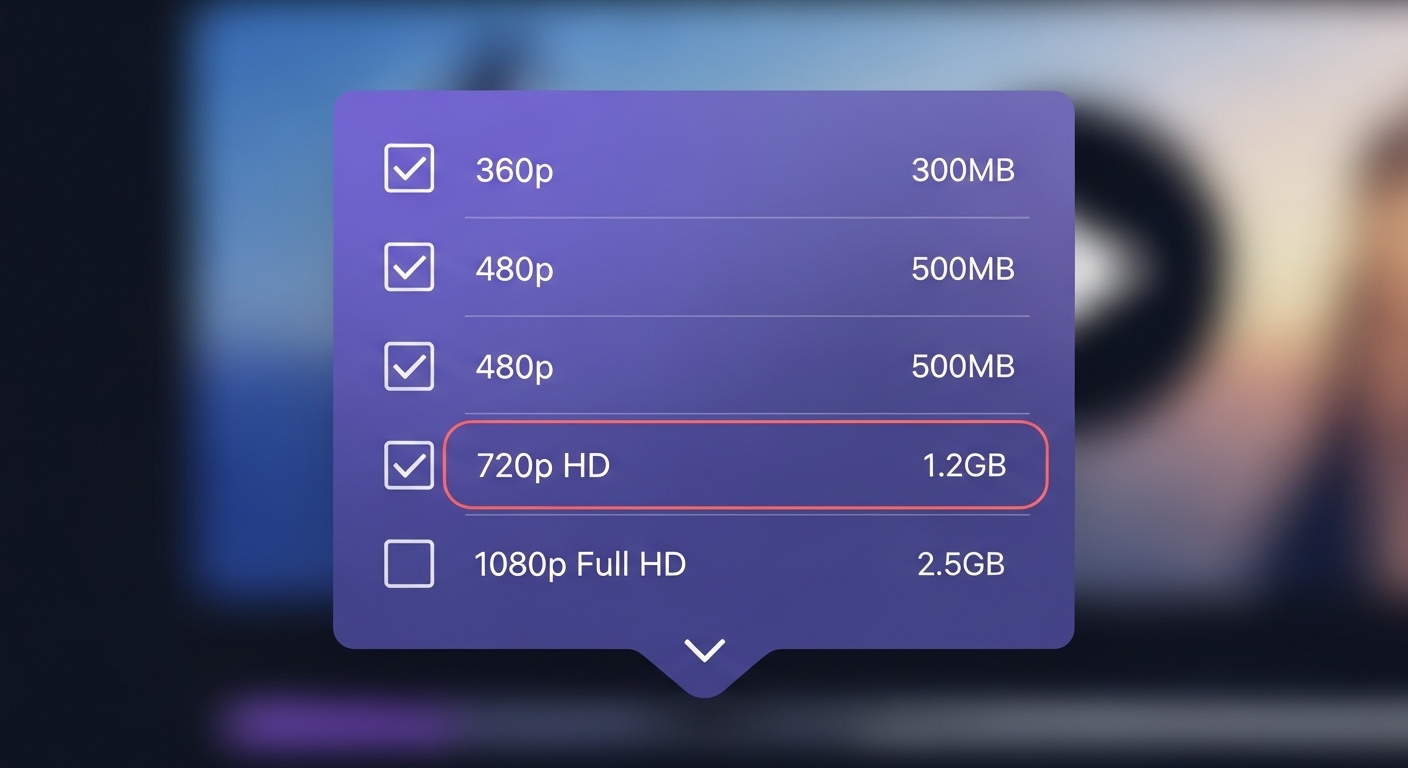
After pasting the URL, the tool will automatically analyze the video and show the available quality options. After selecting the quality, click the "Download" button.
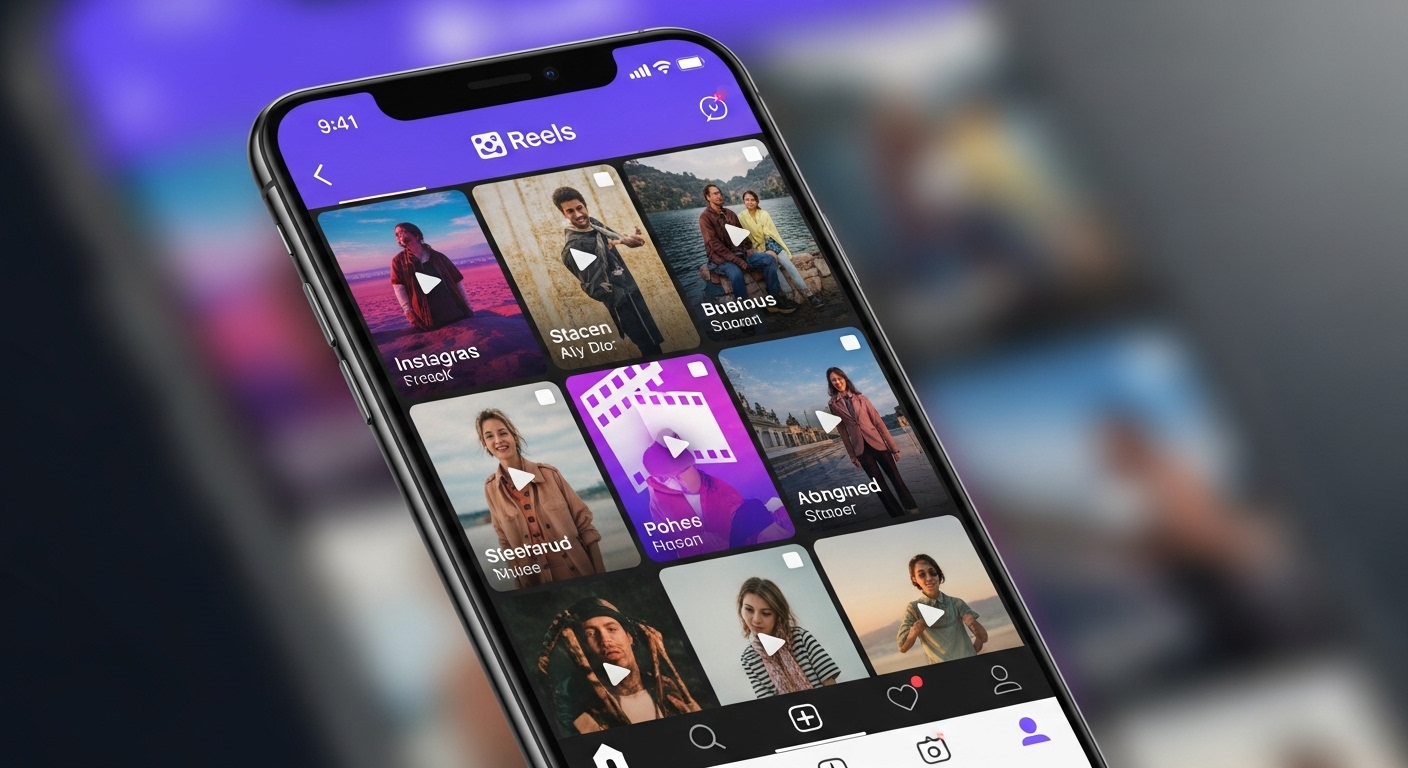
Instagram Reels Download
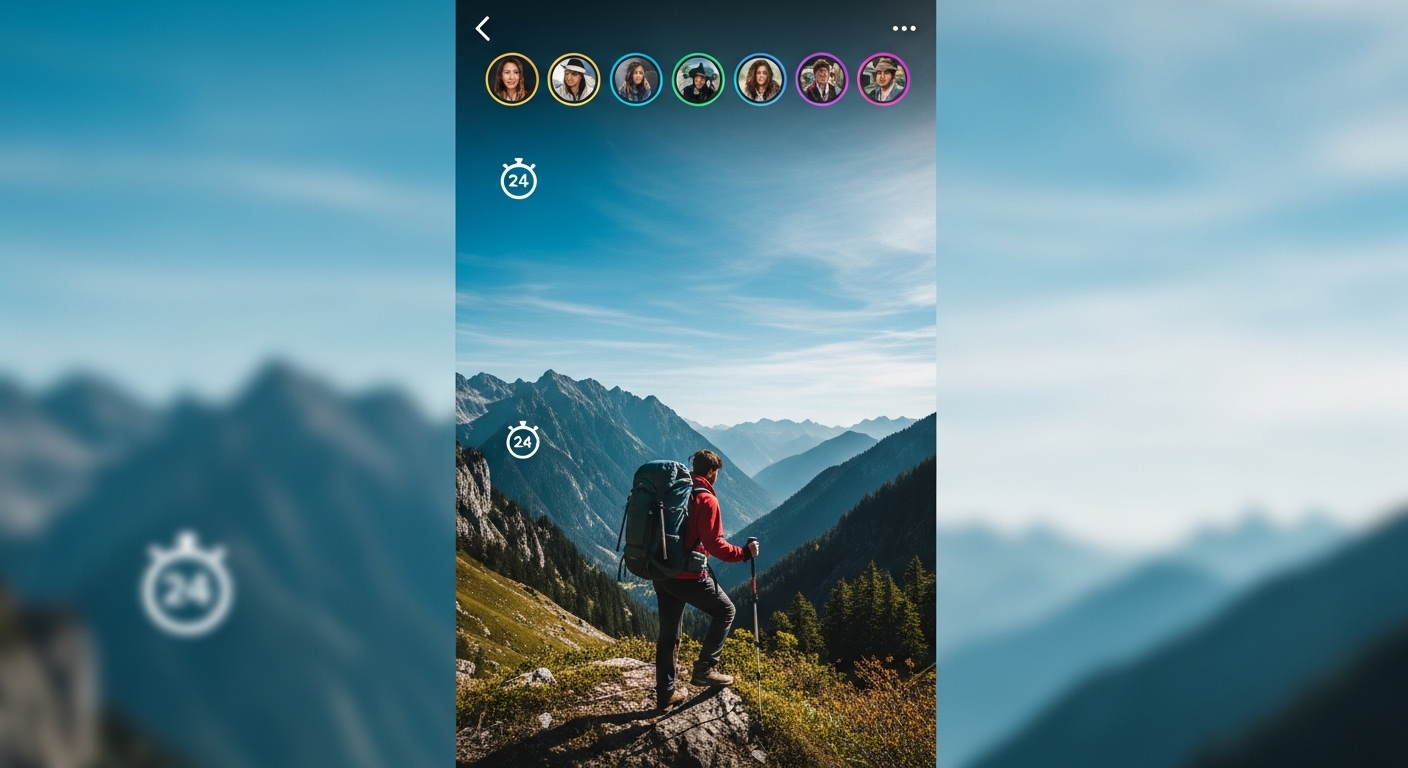
Instagram Stories Download
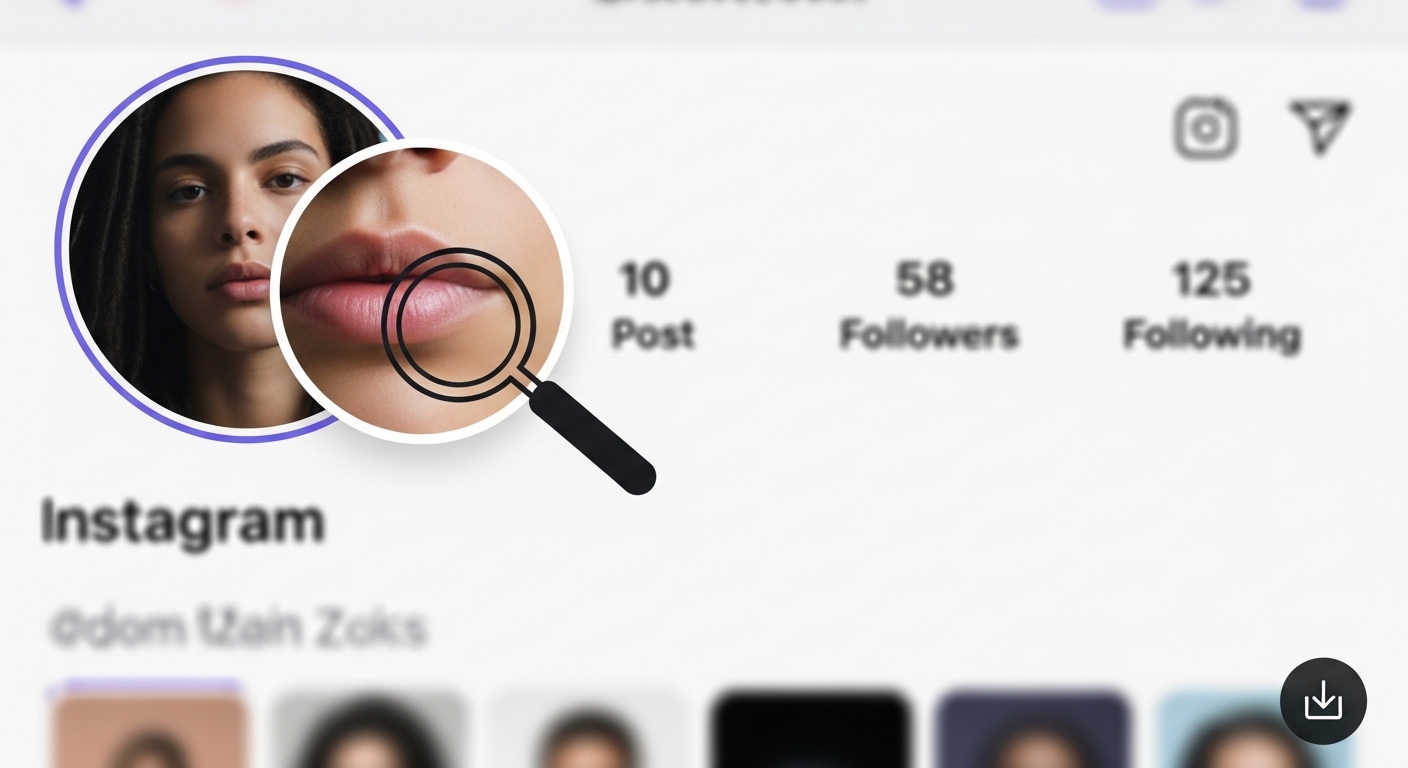
Instagram Profile Photo Download
Instagram Video Formats and Quality
Instagram Video Download on Mobile Devices
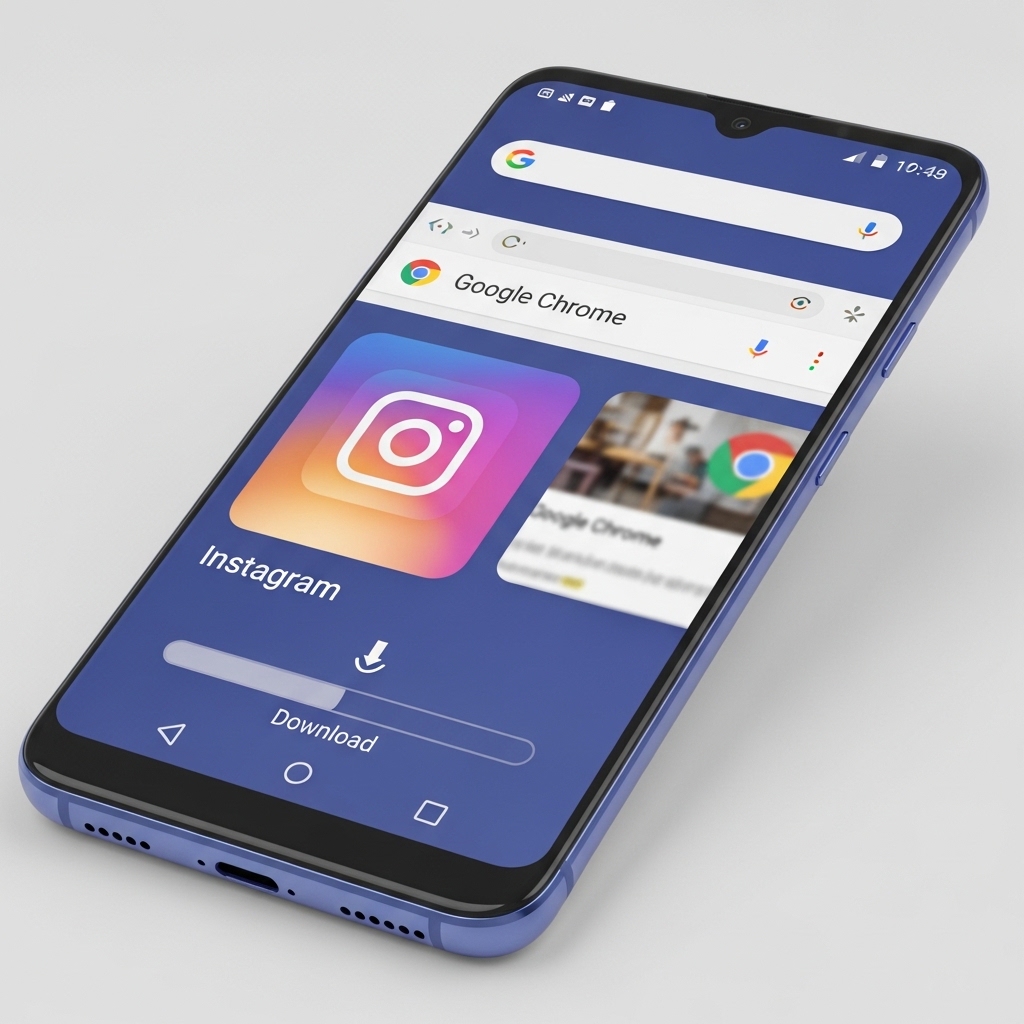
📱 Android
All browsers supported
Direct file access
High flexibility
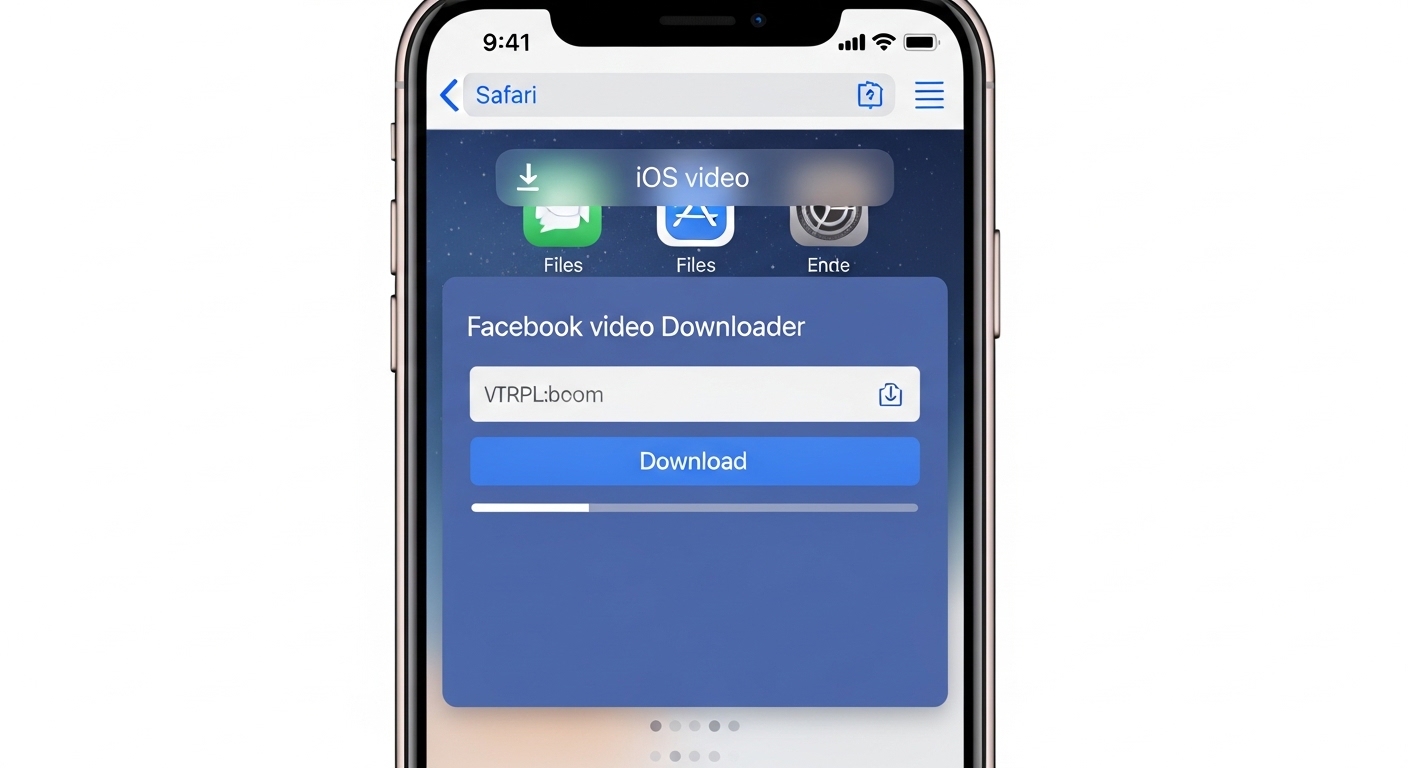
🍎 iOS
Safari recommended
Photos integration
Shortcuts support
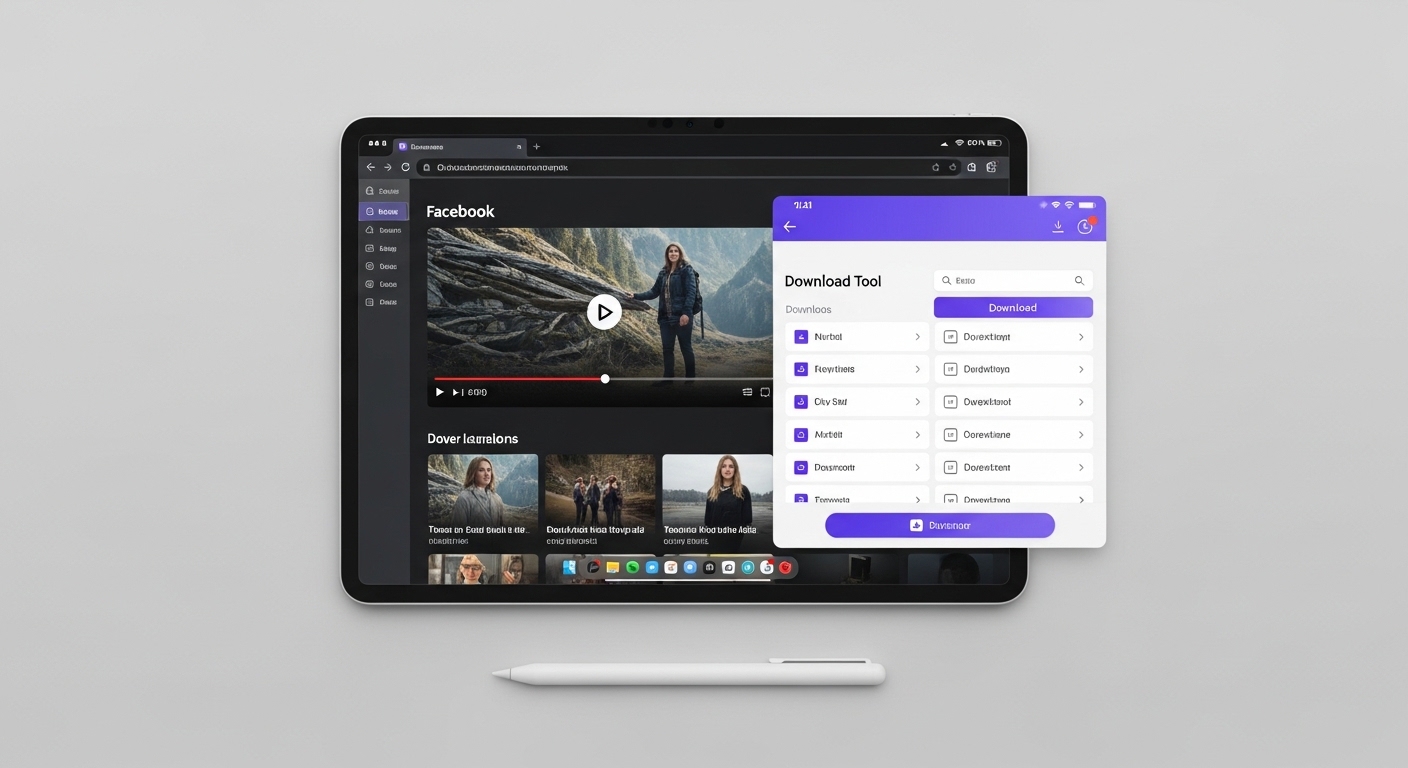
💻 Tablet
Large screen advantage
Desktop-like experience
Multi-tasking support
Instagram Video Download Tips
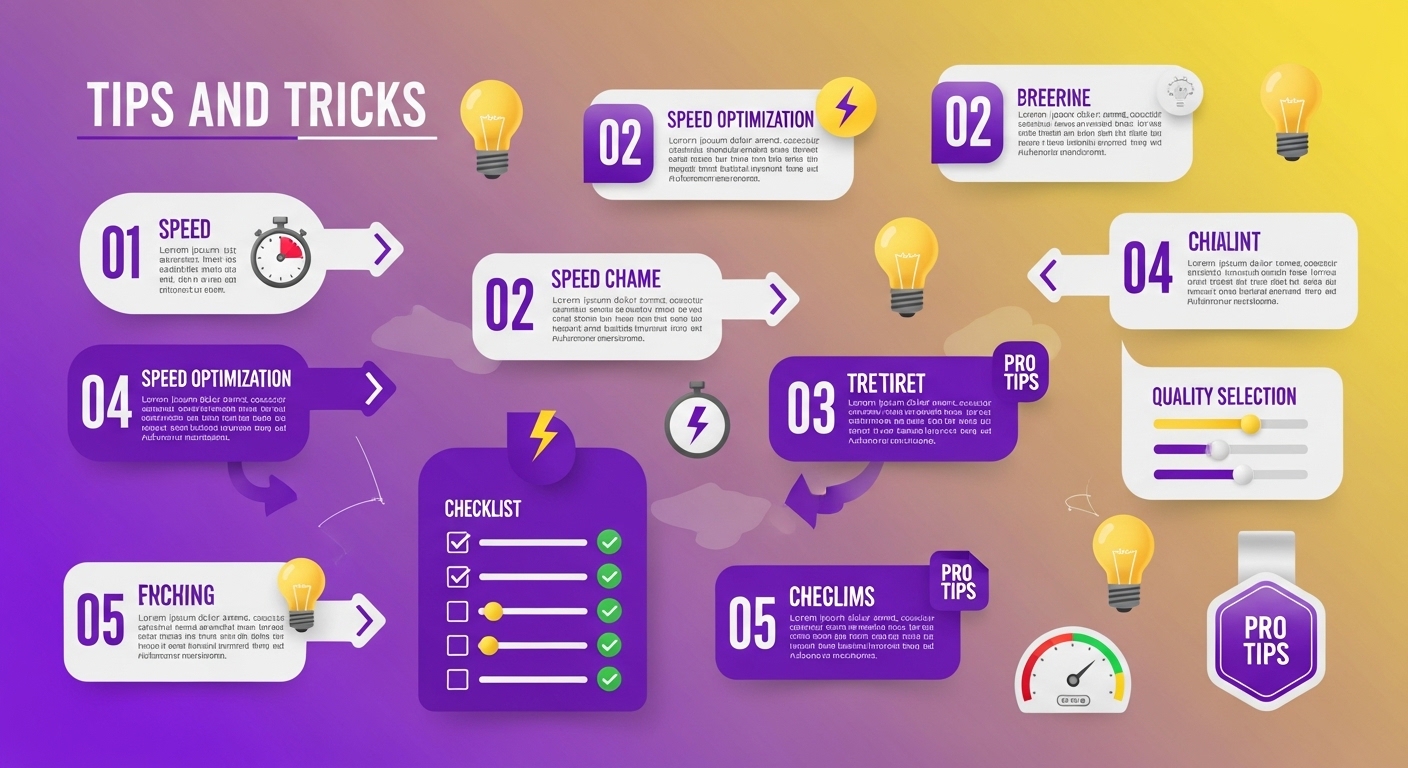
- Always prefer the highest quality option
- Use a reliable internet connection
- Check immediately after downloading the video
- Change file names meaningfully
- Make regular backups
- Respect copyrights
Security and Privacy

Frequently Asked Questions (FAQ)
Downloading videos from Instagram for personal use is generally legal. However, republishing, using for commercial purposes, or infringing on copyrights without permission is against the law. Always consider the content owner's permissions and use it only for personal archiving purposes.
To download Instagram Reels: 1) Open the Reels video you want to download, 2) Click the three-dot menu in the corner, 3) Select 'Copy Link', 4) Paste the copied link into the Instagram video downloader tool, 5) Choose quality and click 'Download'. The video will be saved to your device in a few seconds.
Yes, it is possible to download Instagram Stories. Open the story, click the menu in the top right corner, and select 'Copy Link'. Then, you can download the story by pasting this link into the Instagram video downloader tool. Remember that stories are deleted after 24 hours, so you should save the stories you want to download in time.
The best video quality on Instagram depends on the content type. For Reels, 1080x1920 pixels (Full HD dikey), for normal posts 1080x1080 pixels (square) or 1080x1350 pixels (dikey) are ideal resolutions. 1080p quality is recommended for IGTV and long videos. You can download the video in its original resolution by selecting the 'Highest Quality' option during download.
No, you don't need to download a special application to download Instagram videos. Web-based Instagram video downloader tools work through your browser and do not require any software installation. Just copy the Instagram video link and paste it into the tool. This method is both safer and faster.
You can use special tools to download Instagram profile photos. Open the profile you are interested in, copy the profile URL, and paste it into the Instagram profile photo downloader tool. The tool will display the profile photo in full resolution and offer a download option. This way, you can download the high-quality original photo instead of the low-resolution small profile image.
No, to download videos from private Instagram accounts, you must first be following that account and your follow request must be accepted. Once the account owner accepts you as a follower, you can copy the video link and paste it into the downloader tool as you do with normal accounts. It is important to respect the privacy of private accounts.
To increase the Instagram video download speed: 1) Use a fast and stable internet connection, 2) Reduce the file size by selecting a lower quality option, 3) Avoid making too many downloads at the same time, 4) Clear your browser cache, 5) Prefer downloader tools with reliable and fast servers. Also, avoiding downloading during peak hours can increase the speed.
Instagram videos are usually downloaded in MP4 format because this format provides universal compatibility and can be played on all devices. Some advanced downloader tools may also offer videos in WebM or other formats. If you want to download as an audio file, there may also be an option to convert to MP3 format. MP4 format is the most common and recommended format.
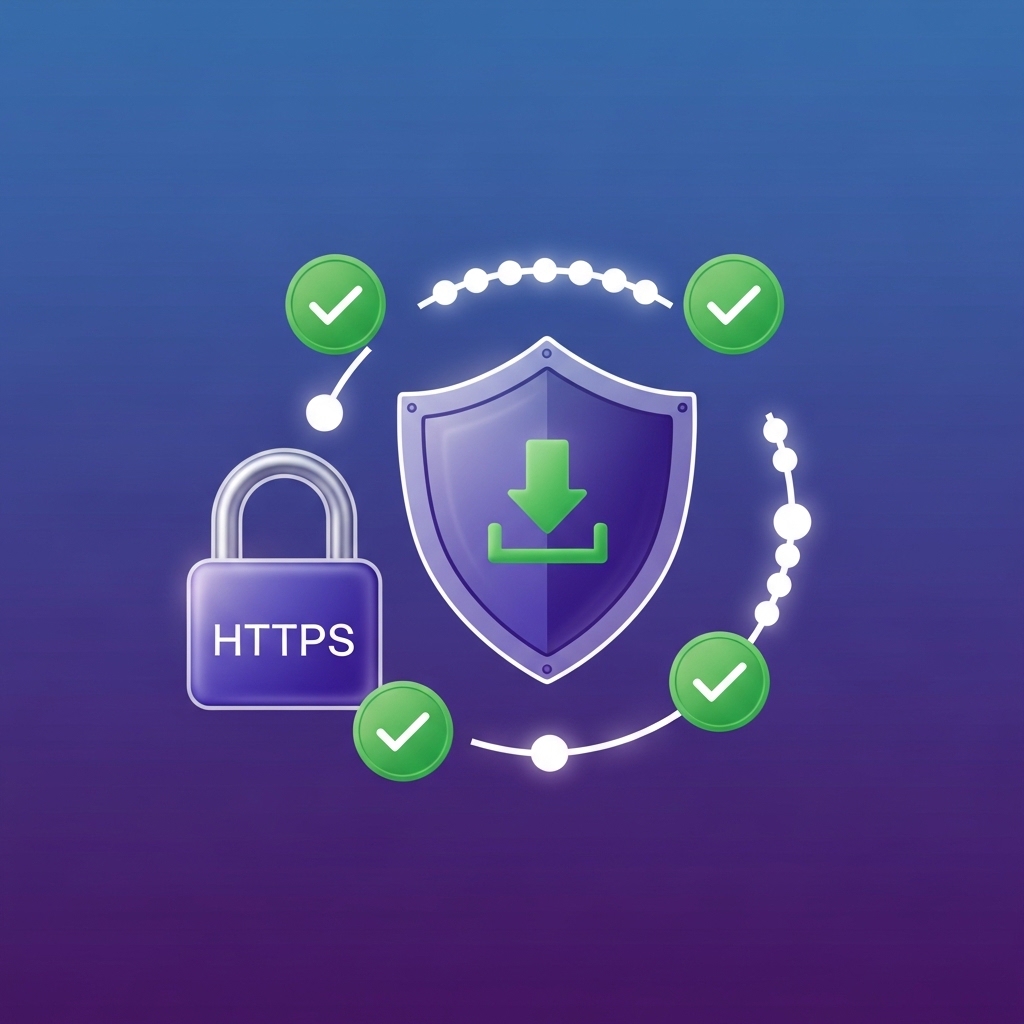
Reliable Instagram video downloader tools are completely safe and do not store any of your personal information. Prefer tools that use HTTPS encryption, have a clear privacy policy, and are verified by user reviews. Never share your Instagram password or login information. Just copying and pasting the video URL is enough. Reliable tools do not contain viruses and do not harm your device.
Conclusion
📱 Downloading Videos from Other Platforms
Would you like to download videos from other platforms besides Instagram? Here are our popular video download guides:
Why Downloaders.net?
Lightning Fast
Our servers process your request in milliseconds. No waiting, no delays.
100% Secure
We don't store your data. All downloads are processed securely.
No Registration
No sign-up, no login — just paste a link and download.
Completely Free
All features are free to use, no hidden fees or subscriptions.